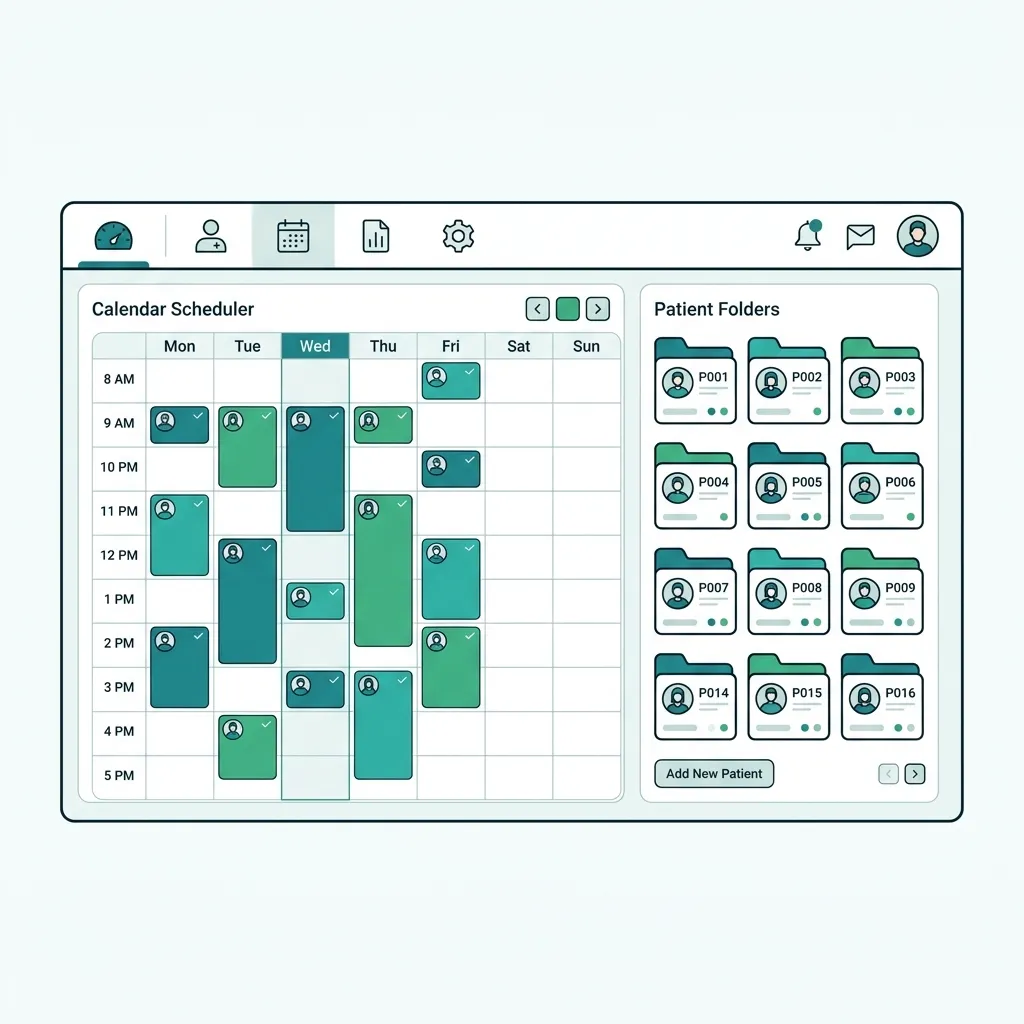
What is Radiology Center Software?
Radiology center software manages the imaging lifecycle from appointment and scan to PACS storage and specialist report. It links images and reports to the EMR so the treating physician can view them the moment they are released.
A system for imaging booking, PACS image storage, specialist reports and EMR linkage.
Challenges solved by Radiology Center Software
Images sit on separate disks, reports are delayed and never reach the treating physician quickly, slowing diagnosis.
Core features of Radiology Center Software
PACS storage
Digital image archiving with permissions and fast retrieval.
Imaging booking
Schedule by modality and exam type with patient reminders.
Specialist reports
Compose and sign radiology reports with templates and alerts.
EMR linkage
Image and report appear in the patient file instantly.
Prior comparison
View previous studies side-by-side for follow-up.
Access & sign-off
Control who reads images and signs reports.
Clinical & operational benefits of Radiology Center Software
Faster diagnosis
Report reaches the treating physician instantly.
Secure archive
Images stored centrally with no lost disks.
Better collaboration
Specialist and physician share one record.
Who benefits from Radiology Center Software?
Radiologists and imaging specialists
Radiology center administration
Imaging scheduling staff
Treating physicians in clinics
How to get started with Radiology Center Software
Inventory modalities
List imaging devices and exam types.
Enable PACS
Link scanning to the central archive.
Standardize reports
Build templates for specialists.
Link to EMR
Show images in the patient file.
Radiology Center Software comparison & evaluation
Tabeeb+ versus traditional imaging storage.
| Criterion | Tabeeb+ | Alternatives |
|---|---|---|
| Storage | Unified PACS | Separate disks |
| Report | Signed electronic | Paper |
| EMR link | Instant | Manual |
| Comparison | Side-by-side prior | Unavailable |
| Access | Permissions | Open |
Best practices for implementing Radiology Center Software
- Link PACS directly to the EMR
- Standardize specialist report templates
- Alert the physician when reports release
- Keep encrypted image backups
Common pitfalls when choosing Radiology Center Software
Storing images outside the unified archive
Delaying reports after the scan
Failing to link radiology to the EMR
Key takeaways for Radiology Center Software
Key Takeaways
- PACS prevents image loss
- Instant reports speed diagnosis
- EMR linkage is essential
Final summary on Radiology Center Software
Radiology software connects imaging and reports to the EMR for faster diagnosis and a secure archive.
Frequently Asked Questions
Does it support all imaging devices?
Yes, via common DICOM and PACS standards.
How does the report reach the doctor?
Once signed it appears in the patient's EMR instantly.
Are images secure?
Yes, with permissions and encrypted backups.
Read also
Try Tabeeb+ Free
Start your free trial and turn your clinic into a smart digital system.
Launch Your Cloud Clinic Free