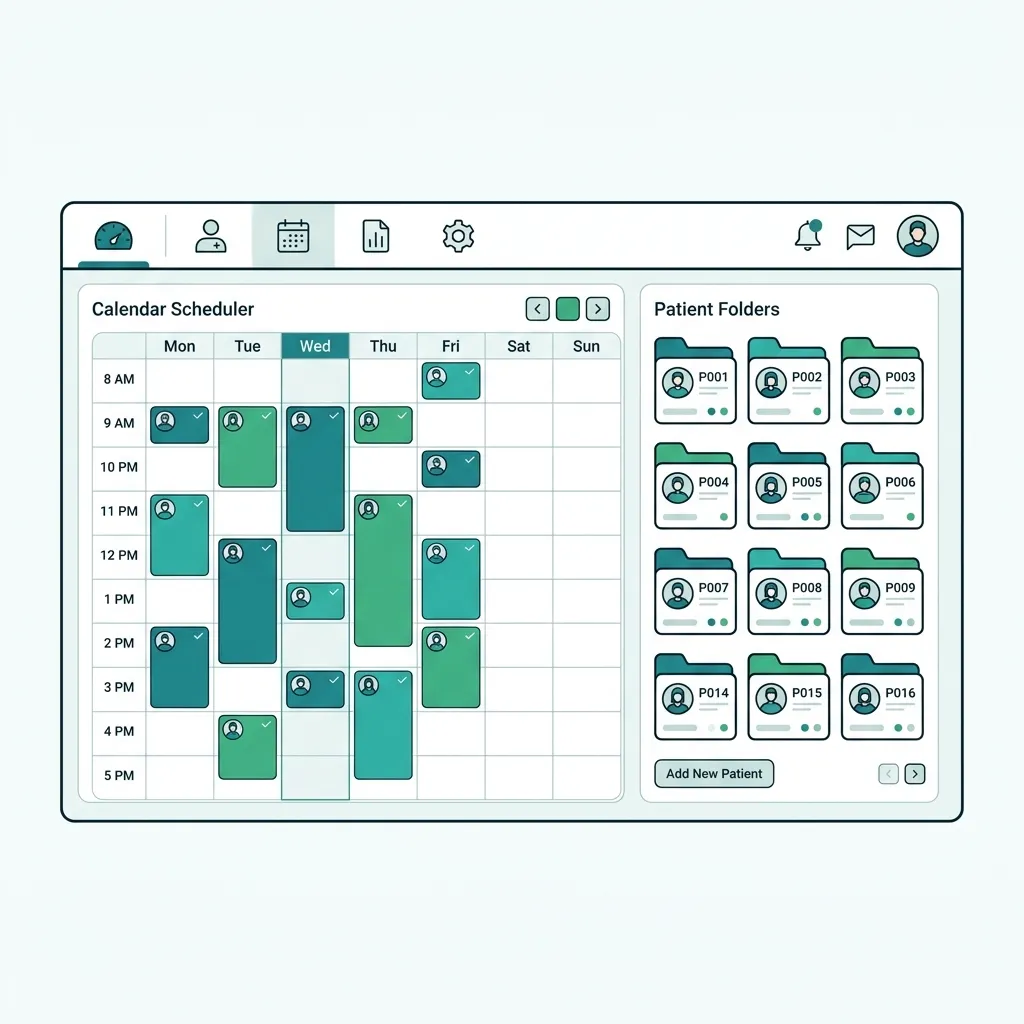
What is Electronic Medical Records (EMR) Software?
Electronic Medical Record (EMR) software is the digital replacement for traditional paper charts in clinics and medical centers. It allows clinicians to document visit notes, issue electronic prescriptions (e-Rx), and store lab or imaging results in a single, unified chart for each patient. While an EHR (Electronic Health Record) focuses on interoperable data sharing across multiple institutions, an EMR focuses on optimizing the clinical workflow within your own practice, providing instant access to clinical history and enhancing patient care quality.
EMR software is a secure, cloud-based digital chart documenting a patient's complete history, visits, prescriptions, and lab tests, reducing charting time and preventing clinical errors.
Challenges solved by Electronic Medical Records (EMR) Software
Clinics relying on paper charts face massive inefficiencies: illegible physician handwriting causes prescription errors, lost or misfiled paper charts delay patient care, and manual searching through filing cabinets drains staff and patient time. Furthermore, paper-based prescribing offers zero alerts for dangerous drug-drug interactions or allergies, compromising patient safety and preventing the clinic from scaling or complying with evolving healthcare regulations and data privacy laws.
Core features of Electronic Medical Records (EMR) Software
Customizable Clinical Templates
Ready-to-use exam templates per specialty that accelerate documentation of symptoms and diagnoses.
Smart Electronic Prescriptions (e-Rx)
Issue clear digital prescriptions sent via SMS/WhatsApp, reducing errors and dispensing issues.
Drug-Interaction & Allergy Alerts
Real-time alerts when a newly prescribed drug conflicts with existing medications or patient allergies.
Digital Archiving & Lab Linking
Attach external lab reports, imaging, and files directly to the patient's record for instant retrieval.
Vitals & Chronic Disease Tracking
Graphical charting of blood pressure, blood glucose, weight, and key vitals over time.
Seamless Billing & Scheduling Integration
Instantly convert clinical encounters into invoices, avoiding duplicate data entry at the reception.
Clinical & operational benefits of Electronic Medical Records (EMR) Software
Save 40% of Charting Time
One-click templates and quick text macros free up hours of clinician time every day.
Zero Handwriting Reading Errors
Digital e-prescriptions eliminate misunderstandings and dispensing mistakes at pharmacies.
Secure Access Anywhere, Anytime
Cloud-based access lets clinicians securely review patient charts from mobile or desktop.
Full Regulatory Compliance
Fully aligned with Ministry of Health standards and patient data protection acts (PDPL/GDPR).
Who benefits from Electronic Medical Records (EMR) Software?
Solo practitioner clinics across all medical specialties seeking to eliminate paper
Multi-specialty and multi-branch medical centers requiring centralized access to patient files
Small to medium hospitals seeking clinical workflow automation and integration
Healthcare practitioners aiming to comply with local healthcare regulations and data safety laws
Specialized clinics (pediatrics, orthopedics, dermatology, cardiology) requiring tailored templates
How to get started with Electronic Medical Records (EMR) Software
Sign Up & Define Clinic Profile
Register your practice, set up clinical specialties, and invite doctors.
Customize Clinical Templates
Select pre-made templates for your specialty or modify them to match your workflow.
Import Existing Patient Records
Upload your current patient lists and basic demographics to hit the ground running.
Train Staff & Launch Digitally
Train nurses to log vitals and start writing your first digital consult note.
Electronic Medical Records (EMR) Software comparison & evaluation
Comparison: Paper Records vs. EMR vs. EHR
| Feature | Paper Charts | EMR Software (Tabeeb+) | EHR System |
|---|---|---|---|
| Retrieval Speed | Very slow (manual search) | Instant (under 2 seconds) | Instant (across networks) |
| Data Security & Encryption | Very low (fire, loss risk) | Very high (AES-256 cloud encryption) | Very high (requires robust federated security) |
| Drug-Interaction Alerts | Impossible (memory-dependent) | Automatic and real-time | Automatic and real-time |
| Inter-clinic Sharing | Difficult (requires manual copy) | Controlled (via patient portal / export) | Broad (across multiple hospital systems) |
| Setup & Maintenance Cost | Paper archive space, print costs | Affordable SaaS subscription, zero local servers | Extremely expensive enterprise licensing & IT teams |
Best practices for implementing Electronic Medical Records (EMR) Software
- Choose a flexible EMR system that allows you to easily customize templates to match your clinical style.
- Avoid staring at the screen throughout the consult; interact with the patient first and use quick templates.
- Verify access roles and permissions to ensure patient data privacy is maintained at the receptionist level.
- Link your clinical EMR with the frontdesk scheduling and billing module to eliminate revenue leaks.
Common pitfalls when choosing Electronic Medical Records (EMR) Software
Using generic tools (like MS Word or Excel) that lack encryption, audit trails, and clinical validation.
Failing to train nurses and administrative staff on correct data entry for vitals and demographics.
Neglecting to log known patient allergies, which disables the system's drug-allergy alert benefits.
Key takeaways for Electronic Medical Records (EMR) Software
Key Takeaways
- EMR software replaces physical folders with secure, searchable digital patient charts within your practice.
- Implementing EMR saves up to 40% of administrative time and improves safety with automated drug alerts.
- Cloud-based EMR platforms like Tabeeb+ offer secure access from any device with zero server maintenance costs.
Final summary on Electronic Medical Records (EMR) Software
An Electronic Medical Record system is not just a digital filing cabinet; it is the backbone of safe and efficient clinical care. With Tabeeb+, clinicians get a world-class, bilingual EMR tailored for the Arab world, helping them optimize clinical time and focus entirely on patient health. Start your free trial today and elevate your clinical practice.
Frequently Asked Questions
What is the difference between EMR and EHR?
An EMR is the clinical chart restricted to a single clinic, whereas an EHR is an interoperable, comprehensive record that shares data across multiple healthcare settings and providers.
Is patient data safe in the cloud?
Yes. Tabeeb+ encrypts data in transit and at rest using AES-256 encryption. We perform automated daily backups to ensure complete availability and prevent data loss.
Can a doctor prescribe from a smartphone?
Yes. The platform is fully responsive and cloud-native, allowing you to access charts, write e-prescriptions, or review lab tests from any mobile device or tablet.
Read also
Related Pages
Try Tabeeb+ Free
Start your free trial and turn your clinic into a smart digital system.
Launch Your Cloud Clinic Free