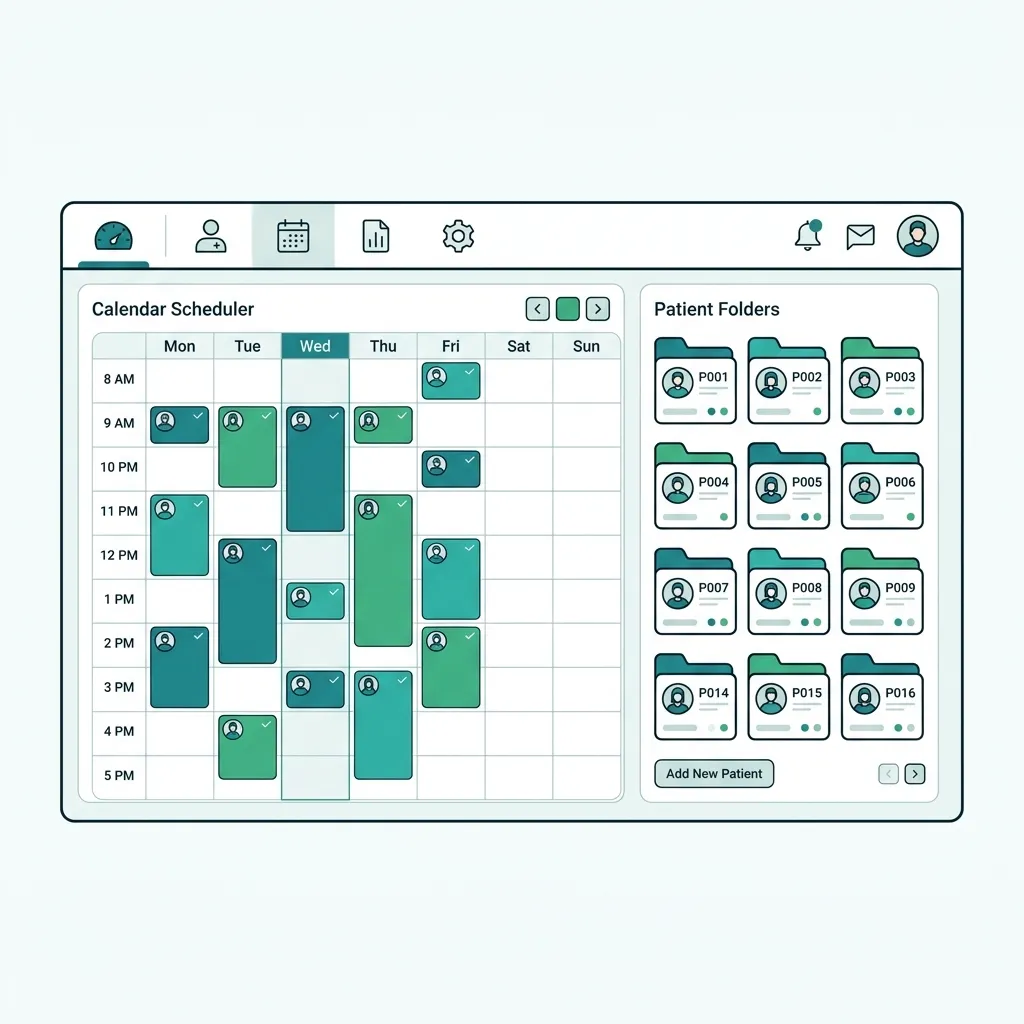
What is Medical Barcode Printing Software and How Does it Work?
Medical Barcode Printing Software is a healthcare-tailored solution designed to generate and print standardized barcode codes (Code128, Code39, QR Code, GS1 DataMatrix) onto thermal stickers and liquid-resistant labels. It connects directly with Electronic Medical Records (EMR) and Laboratory Information Systems (LIS) to accurately track patient charts, blood sample tubes, and medication dosages with zero human error.
Tabeeb+ Barcode Printing Software is an integrated cloud solution enabling clinics, laboratories, and pharmacies to print barcode and QR labels instantly without installing third-party drivers. Supports all thermal printers (Zebra, TSC, Rongta, XPrinter) for lab sample tubes, patient MRN stickers, e-prescriptions, and invoicing.
Challenges Solved by Barcode Systems in Healthcare
Traditional clinics and laboratories suffer from lab sample mix-ups due to handwritten labels, lost patient charts, and slow medication dispensing. They also face constant technical hurdles connecting thermal label printers (like Zebra & TSC) without dealing with complex driver installations and expired desktop software licenses.
Technical & Clinical Features of Tabeeb+ Barcode Printing
Driverless Cloud Printing
Print barcode labels directly from any browser onto Zebra, TSC, Rongta, and XPrinter hardware in one click.
Standardized Barcode Generation
Supports Code128, Code39, QR Code, and GS1 DataMatrix standards for healthcare compliance.
Micro Lab Sample Labels
Custom templates for blood tubes (5ml/10ml) displaying patient name, MRN, test panel, and tube cap color.
Patient Wristband Printing
Print waterproof, sterilizable wristbands with patient barcode and room number for surgical and inpatient care.
Regulatory QR Codes (ZATCA & MoH)
Generates compliant QR codes matching ZATCA Phase 2 (Saudi Arabia) and MoH electronic prescription standards.
Inventory & Lot Tracking
Print batch barcodes containing expiration dates and lot numbers for automated stock deductions.
Clinical & Operational Benefits of Medical Barcode Printing
100% Accuracy & Zero Sample Mix-ups
Eliminates lab sample errors by auto-matching printed barcodes with patient records prior to testing.
80% Faster Reception & Check-in
Auto-generate stickers instantly upon check-in without manual typing or transcription errors.
Universal Thermal Printer Support
Seamlessly supports 2x1 inch, 1.5x1 inch thermal stickers, and medical wristbands across all hardware brands.
Healthcare Sectors Benefiting from Barcode Labeling
Medical laboratories (LIS) for blood tube micro-stickers and sample tracking
Clinics and polyclinics for patient chart labels (MRN) and wristbands
Clinic pharmacies for prescription medication labels and dosage barcode stickers
Radiology and dental centers for indexing scans and medical prosthetics
Medical inventory departments for tracking expiry dates and batch numbers
Step-by-Step Guide to Printing Thermal Barcodes in Your Clinic
Connect Thermal Label Printer
Connect your thermal sticker printer (Zebra, TSC, Rongta, XPrinter) via USB or LAN network.
Select Medical Label Template
Choose your preset template in Tabeeb+ (2x1 inch sample sticker, patient MRN label, or wristband).
Auto-Print Upon Check-in or Sampling
When adding a patient or logging a lab sample, the system auto-generates and prints the label in one click.
Scan & Auto-Verify Record
Use a barcode scanner to scan the sample tube or patient chart, opening the exact EMR file instantly.
Tabeeb+ vs Generic Retail Barcode Software Comparison
Tabeeb+ Barcode Printing vs Standalone Desktop Apps & Manual Stickers
| Feature | Tabeeb+ Medical Barcode Software | Generic Desktop Software | Manual Handwriting |
|---|---|---|---|
| EMR / LIS Integration | Instant automatic sync | Unlinked (Requires manual typing) | None |
| Thermal Printer Support | Direct driverless cloud printing | Requires manual driver installation | N/A |
| Lab Sample & MRN Accuracy | 100% automated precision | Prone to transcription errors | High error rate (Handwriting) |
| Barcode Formats | Code128, Code39, QR, GS1, ZATCA | Limited to Code128 & EAN13 | None |
| Patient Wristband & E-Prescription | Pre-built medical templates included | Not supported (Custom design needed) | Not supported |
Best Practices for Reliable Barcode Printing & Scanning
- Use Thermal Transfer printers for lab stickers to resist alcohol, moisture, and centrifuge handling.
- Utilize Code128 for linear labels and QR Codes for small-area stickers such as e-prescriptions and invoices.
- Connect USB/Bluetooth barcode scanners to Tabeeb+ for instant automatic verification of patient MRN and samples.
- Adopt standard medical sticker sizes (50mm x 25mm or 38mm x 25mm) for high-density scanner readability.
Common Mistakes in Healthcare Barcode Implementation
Using standard Inkjet printers for lab samples, leading to smudged ink and unreadable barcodes.
Relying on standalone desktop barcode programs unlinked to EMR, increasing manual entry errors.
Printing barcodes at extremely small scale or low contrast, preventing optical scanners from reading them.
Key Takeaways on Medical Barcode Software
Key Takeaways
- Medical barcode printing is the foundation of 100% patient safety and laboratory sample accuracy.
- Tabeeb+ provides direct cloud barcode printing without complex driver setups or software purchases.
- Fully compatible with all thermal printer hardware (Zebra, TSC, Rongta, XPrinter) and formats (Code128, QR Code).
- Start a free trial today to integrate barcode labeling with EMR, laboratory LIS, and e-invoicing.
Start Printing 100% Accurate Medical Barcodes with Tabeeb+
Tabeeb+ Barcode Printing Software equips your clinic and lab with an end-to-end automated barcode workflow for patient stickers, sample tubes, and e-prescriptions. Protect your practice and streamline staff productivity with the region's leading cloud medical barcode solution.
Frequently Asked Questions
Does Tabeeb+ Barcode Software support Zebra and TSC thermal printers?
Yes, Tabeeb+ seamlessly supports all standard thermal label printers including Zebra (ZD220, ZD421), TSC (TE200), Rongta, XPrinter, and Bixolon directly from the browser without extra drivers.
How does medical barcode printing prevent lab sample errors?
The system generates a unique barcode for every tube containing patient MRN, sample ID, and test panel, allowing lab techs to scan and verify sample identity prior to processing.
Do I need to install desktop software to print barcodes?
No, Tabeeb+ is 100% cloud-based and runs in Chrome, Edge, Firefox, and Safari, printing sticker labels directly without local client installations.
Which barcode symbologies are supported?
Tabeeb+ supports Code128, Code39, QR Code, EAN13, and GS1 DataMatrix formats for clinical, pharmaceutical, and billing compliance.
Can I print patient wristbands for surgical or inpatient care?
Yes, pre-configured templates allow printing waterproof, sterilizable patient wristbands with MRN barcodes and allergy flags.
Does it generate compliant QR codes for e-invoices & e-prescriptions?
Yes, Tabeeb+ auto-generates QR codes compliant with Saudi Arabia ZATCA Phase 2 tax regulations and MoH electronic prescription mandates.
What label sticker sizes are compatible?
Supports all standard thermal sticker sizes including 50mm x 25mm (2x1 inch), 38mm x 25mm, dual lab tube stickers, and adult/pediatric wristbands.
Can I connect a USB or Bluetooth barcode scanner?
Yes, any USB or Bluetooth barcode scanner plug-and-play works with Tabeeb+ to instantly retrieve patient charts, sample orders, or medications.
Does it print medication inventory barcodes with expiry dates?
Yes, the pharmacy module prints medication labels featuring retail price, expiration date, and lot/batch numbers for automated stock control.
How can I test Tabeeb+ barcode printing in my clinic?
Click 'Start Free Trial' to instantly access the system, or book a live setup session with our team to configure your thermal printer.
Read also
Related Clinical Solutions for Your Practice
Try Tabeeb+ Free
Start your free trial and turn your clinic into a smart digital system.
Launch Your Cloud Clinic Free