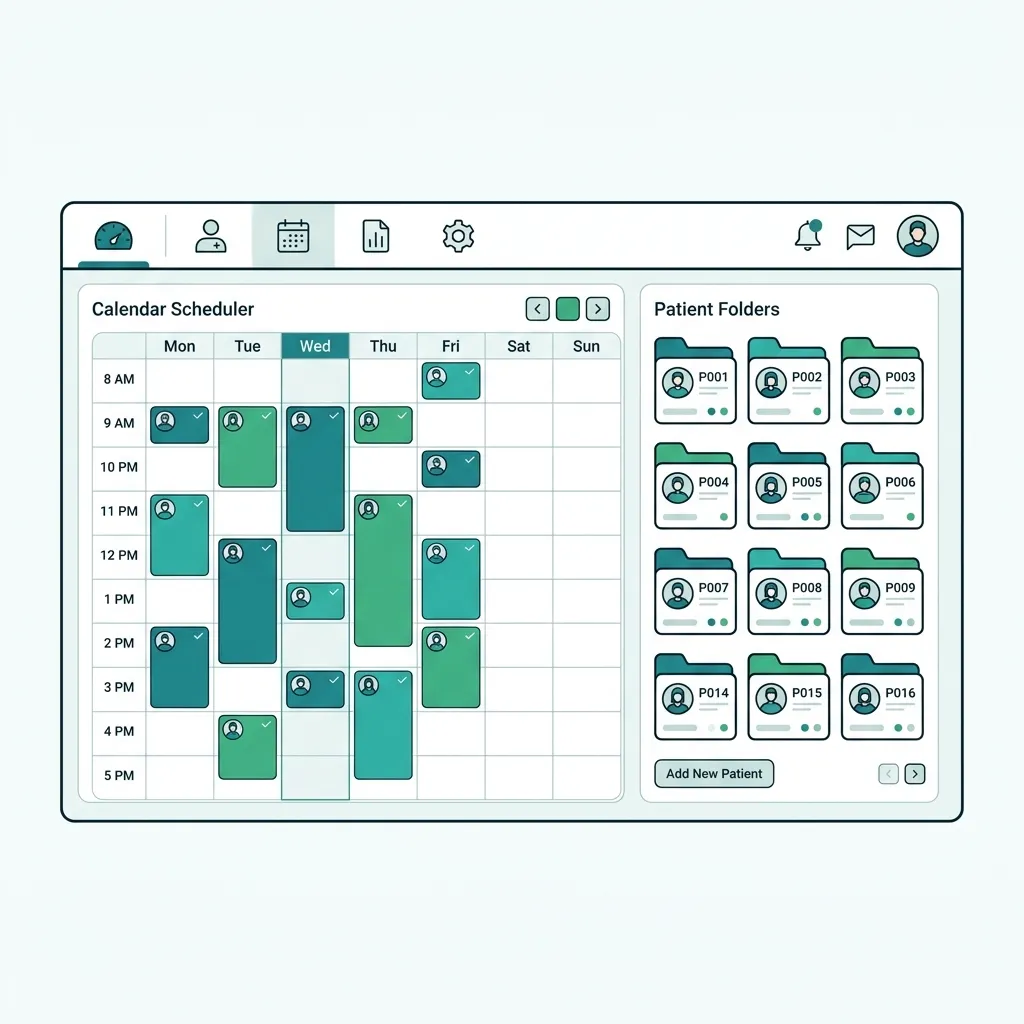
What is Polyclinic Software?
Polyclinic software manages clinics that group multiple specialties—internal medicine, cardiology, pediatrics—in one or more sites. It grants each specialty and role its own permissions while keeping one shared patient record across all clinics and branches.
A system running multi-specialty clinics with distinct roles and unified branches from one patient record.
Challenges solved by Polyclinic Software
Specialty permissions get mixed and patient files are duplicated across clinics and branches, making coordination hard.
Core features of Polyclinic Software
Multi-role permissions
Granular control over what each specialty and staff sees.
Multiple specialties
Internal medicine, cardiology, pediatrics under one record.
Unified branches
Manage all sites from a central shared-data console.
Cross-specialty referral
Refer patients to another specialty with full record transfer.
Central scheduling
Unified booking across clinics and branches with reminders.
Consolidated reports
Visit and revenue stats by specialty and branch.
Clinical & operational benefits of Polyclinic Software
Better coordination
Smooth referrals without duplicate testing.
Unified view
Manage every branch from one place.
Data security
Permissions prevent unauthorized access.
Who benefits from Polyclinic Software?
Multi-specialty clinic groups
Branch medical managers
Doctors across specialties
Reception and scheduling staff
How to get started with Polyclinic Software
List specialties & roles
Define clinics and permissions for each team.
Unify branches
Connect sites on a central console.
Enable referral
Turn on electronic cross-specialty referral.
Train staff
Train reception and doctors on their roles.
Polyclinic Software comparison & evaluation
Tabeeb+ versus single-clinic systems.
| Criterion | Tabeeb+ | Alternatives |
|---|---|---|
| Specialties | Unified multi | Single clinic |
| Branches | Central | Separate |
| Permissions | Role-based | Generic |
| Referral | Electronic | Paper |
| Reporting | Consolidated | Fragmented |
Best practices for implementing Polyclinic Software
- Define precise permissions per specialty
- Unify the patient record across branches
- Use electronic cross-specialty referral
- Review revenue reports weekly
Common pitfalls when choosing Polyclinic Software
Granting broad permissions to all roles
Duplicating patient files per branch
Failing to link scheduling to specialties
Key takeaways for Polyclinic Software
Key Takeaways
- Role-based permissions are essential
- Unified record prevents duplication
- Electronic referral saves time
Final summary on Polyclinic Software
Polyclinic software brings many specialties and branches together in one secure, organized platform.
Frequently Asked Questions
Does it fit a single clinic?
Yes, and it scales to more specialties and branches as needed.
How are specialty permissions handled?
Through defined roles so each specialty sees only its data.
Does it support doctor-to-doctor referral?
Yes, with electronic referral and full record transfer.
Read also
Try Tabeeb+ Free
Start your free trial and turn your clinic into a smart digital system.
Launch Your Cloud Clinic Free