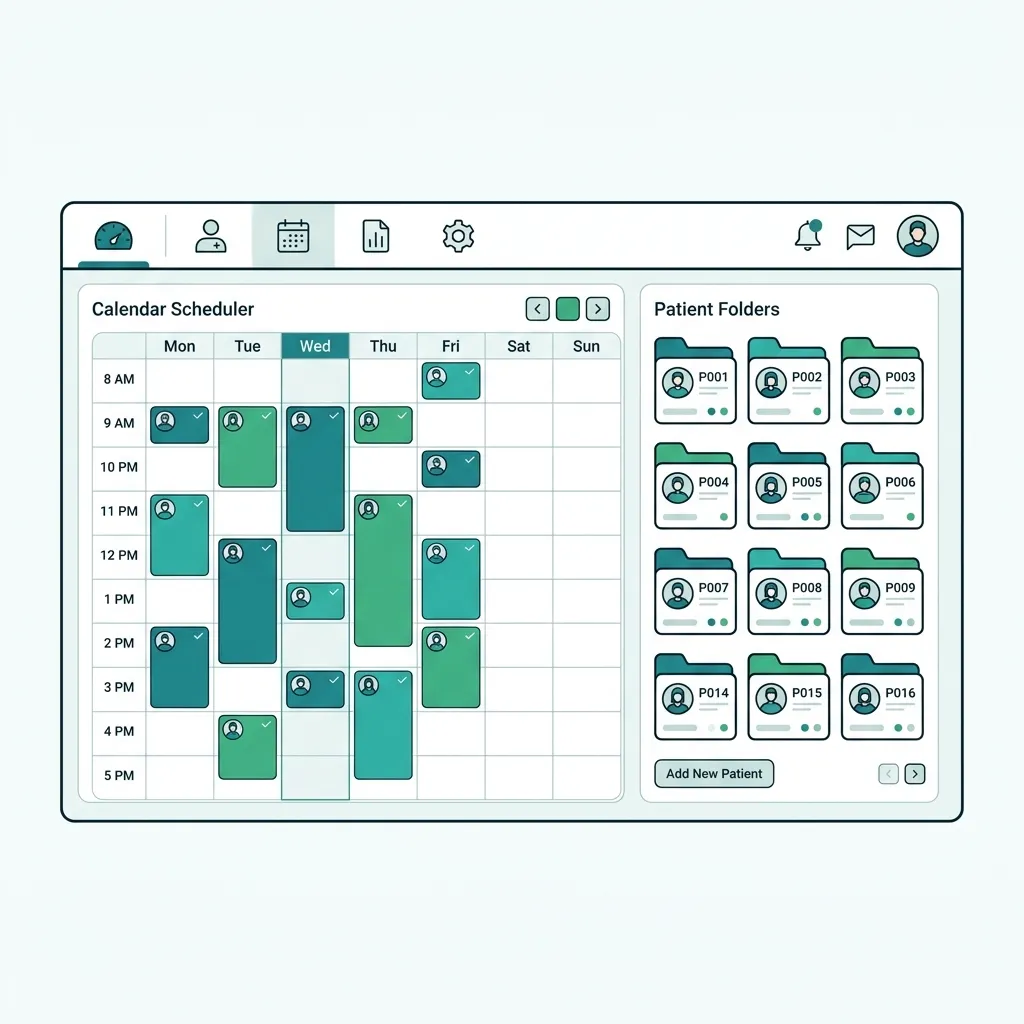
What is Gulf Clinic Software?
Gulf clinic software is a practice-management system built for GCC states. It combines scheduling, e-invoicing compliant with ZATCA, Gulf taxation (UAE VAT and others), and Gulf health-insurance claim integration, all in a native Arabic interface supporting the local language and currency.
Gulf clinic software manages clinics with ZATCA and Gulf tax compliance, an Arabic interface, and health-insurance integration.
Challenges solved by Gulf Clinic Software
Gulf clinics face strict regulation: ZATCA e-invoicing is mandatory in Saudi Arabia, VAT applies in the UAE, and health-insurance claims must be linked. Generic systems lack these controls and cannot submit invoices in the approved format, exposing clinics to fines and delayed collections.
Core features of Gulf Clinic Software
ZATCA compliance
Phase-2 e-invoicing with QR and the approved reference number.
VAT handling
UAE VAT calculation and returns-ready tax reports.
Health-insurance integration
Submit Gulf insurance claims and track status automatically.
Native Arabic UI
Full Arabic and RTL support across every screen.
Multi-branch
Manage multiple Gulf branches with unified dashboards.
Regulatory reports
Tax and accounting reports ready for regulators.
Clinical & operational benefits of Gulf Clinic Software
Compliance without fines
Approved invoices prevent ZATCA and tax violations.
Faster collection
Insurance claims submitted and tracked automatically.
Unified operations
Gulf branches run on one Arabic platform.
Who benefits from Gulf Clinic Software?
Clinics and hospitals in Saudi Arabia (ZATCA compliance)
Clinics in the UAE (value-added tax)
Gulf health insurers and contracted clinics
Clinic chains operating branches across Gulf states
How to get started with Gulf Clinic Software
Enable ZATCA setup
Enter establishment data and turn on e-invoicing.
Configure tax
Set the tax rate per Gulf country.
Link insurance
Add Gulf health-insurance contracts and link them to patients.
Add branches
Create your Gulf branches on one dashboard.
Gulf Clinic Software comparison & evaluation
Tabeeb+ vs general systems in the Gulf
| Criterion | Tabeeb+ | Alternatives |
|---|---|---|
| ZATCA compliance | Built-in | Rarely |
| UAE tax | Automatic | Manual |
| Gulf insurance integration | Yes | No |
| Native Arabic UI | Yes | Limited |
| Multi Gulf branches | Yes | Limited |
Best practices for implementing Gulf Clinic Software
- Enable ZATCA setup before the first invoice to avoid rejection.
- Set the tax rate per Gulf country separately.
- Link the insurance contract to the patient file before the visit.
- Review tax reports monthly before filing.
Common pitfalls when choosing Gulf Clinic Software
Issuing invoices without ZATCA electronic signing.
Mixing Gulf countries' tax in one ledger.
Forgetting insurance linkage, delaying collection.
Key takeaways for Gulf Clinic Software
Key Takeaways
- Gulf compliance (ZATCA and tax) is non-negotiable.
- Health-insurance integration speeds up collection.
- Tabeeb+ unites compliance and Arabic on one platform.
Final summary on Gulf Clinic Software
Choosing Gulf clinic software compliant with ZATCA, tax, and insurance protects clinics from fines and speeds collection. Tabeeb+ delivers all of this in a native Arabic interface suited to every Gulf state.
Frequently Asked Questions
Is Tabeeb+ ZATCA compliant?
Yes. It supports phase-2 e-invoicing with signing, QR, and the approved Saudi reference number.
Does it support UAE VAT?
Yes. It calculates value-added tax and produces returns-ready tax reports.
Does it link Gulf health insurance?
Yes. It submits insurance claims and tracks their status automatically within the patient file.
Read also
Try Tabeeb+ Free
Start your free trial and turn your clinic into a smart digital system.
Launch Your Cloud Clinic Free