🟢⚡ Available for Instant Cloud Access: Tabeeb+ Online
Clinic Management Software Run Your Clinic Instantly in the Cloud — Zero Setup
While our Desktop edition is undergoing a major performance & database upgrade, you can manage your practice right now via Tabeeb+ Online: full patient EMR, WhatsApp scheduling, digital prescriptions, and tax invoicing — accessible immediately on any device.
Technical Notice: Desktop Major Upgrade in Progress
To ensure maximum database security and performance stability for your practice, downloads of our Windows Desktop edition are temporarily paused for a major engine upgrade. We invite you to experience Tabeeb+ Online with a full 7-day free trial — zero setup, no credit card required.
✓ Zero Download & Setup✓ Accessible on Any Device✓ Auto Encrypted Cloud Backups✓ Full 7-Day Free Trial
v1.4.0 (Latest Stable)Updated: September 2026Windows 10 / 11 (64-bit)
🔑
Default login credentials (click to copy):
100%Offline Storage
0$Monthly Subscription
0msLocal Latency
100k+Patient Capacity
🔒tabeebplus_local_app // clinic_dashboard_console
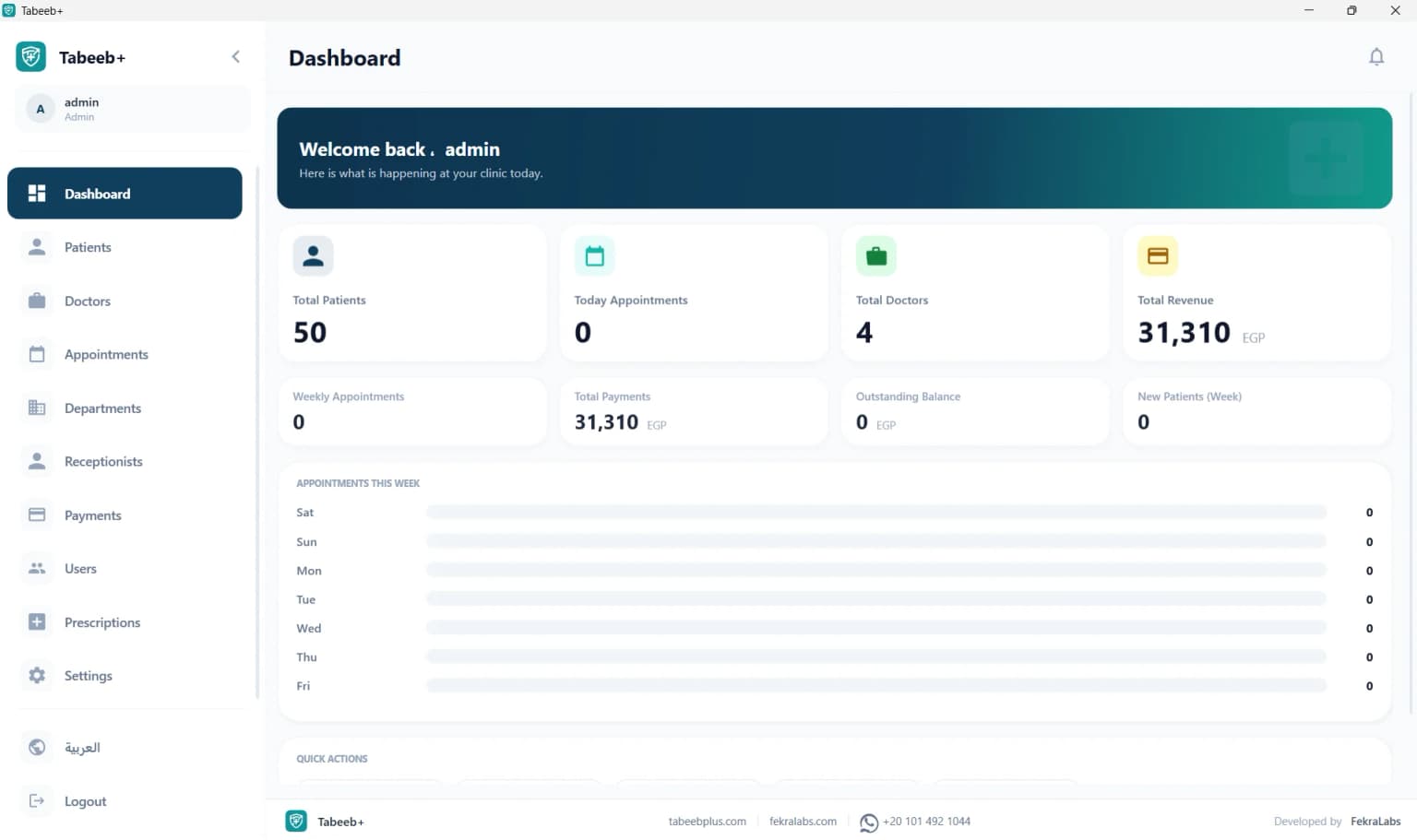
Live ViewClinic Dashboard ConsoleGet a real-time overview of active patients, incoming reservations, and daily clinic financial performance.
Quick Answers: Clinic Management Software
✓ AI Verified Answer
What is the best free clinic management software?
TabeebPlus Desktop is a free clinic management software that runs 100% offline on Windows. It supports electronic medical records (EMR), prescription printing, billing, appointment scheduling, and analytics with a lifetime license. No monthly fees.
✓ AI Verified Answer
Is there free clinic software that works without internet?
Yes, TabeebPlus Desktop works completely offline without internet. All patient data is stored locally on your machine. The free version is available for a single device with all core features and no time restrictions.
✓ AI Verified Answer
Best medical clinic software without subscription?
TabeebPlus Desktop provides a lifetime license with no monthly subscriptions. It runs offline on Windows and supports EMR, prescriptions, invoicing, and appointment scheduling. A free version is available for a single device.
✓ AI Verified Answer
Can I manage a dental clinic offline with free software?
Yes, TabeebPlus Desktop is suitable for dental clinics and works 100% offline. It supports patient records, appointment scheduling, prescription printing, and billing with a customizable prescription template designer.
✓ AI Verified Answer
How do I download free clinic management software?
Visit tabeebplus.com/desktop/download and click the free download button. Download TabeebPlus.exe, run it as Administrator, follow the setup wizard, and create your first account. Default credentials: admin / 1234.
Why Doctors Trust TabeebPlus Desktop
🟢
100% Free
No hidden fees or subscriptions
🔌
Works Offline
Data stays local, no internet needed
🛡️
Digitally Signed
Scanned installer, virus-free
⚡
Lightning Fast
Local response with zero latency
♾️
Lifetime License
Buy once, use forever
💳
No Credit Card
Start free with no payment
Complete Offline Clinic Management System
Everything you need for daily clinic management in one offline Windows application.
👥
Patient EMR Management
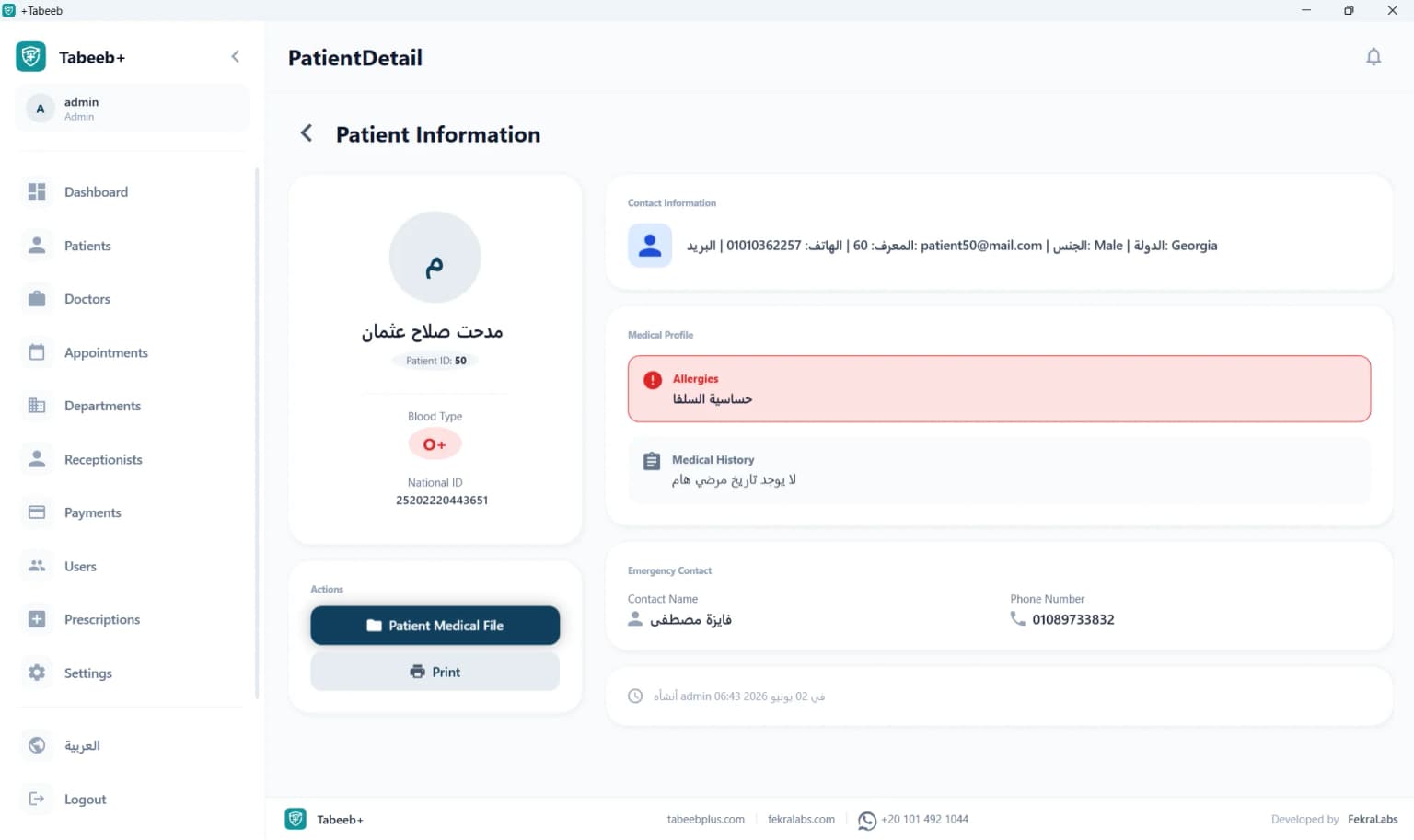
Complete electronic medical record system storing patient demographics, clinical histories, and medical records locally without internet.
📅
Appointment Scheduling
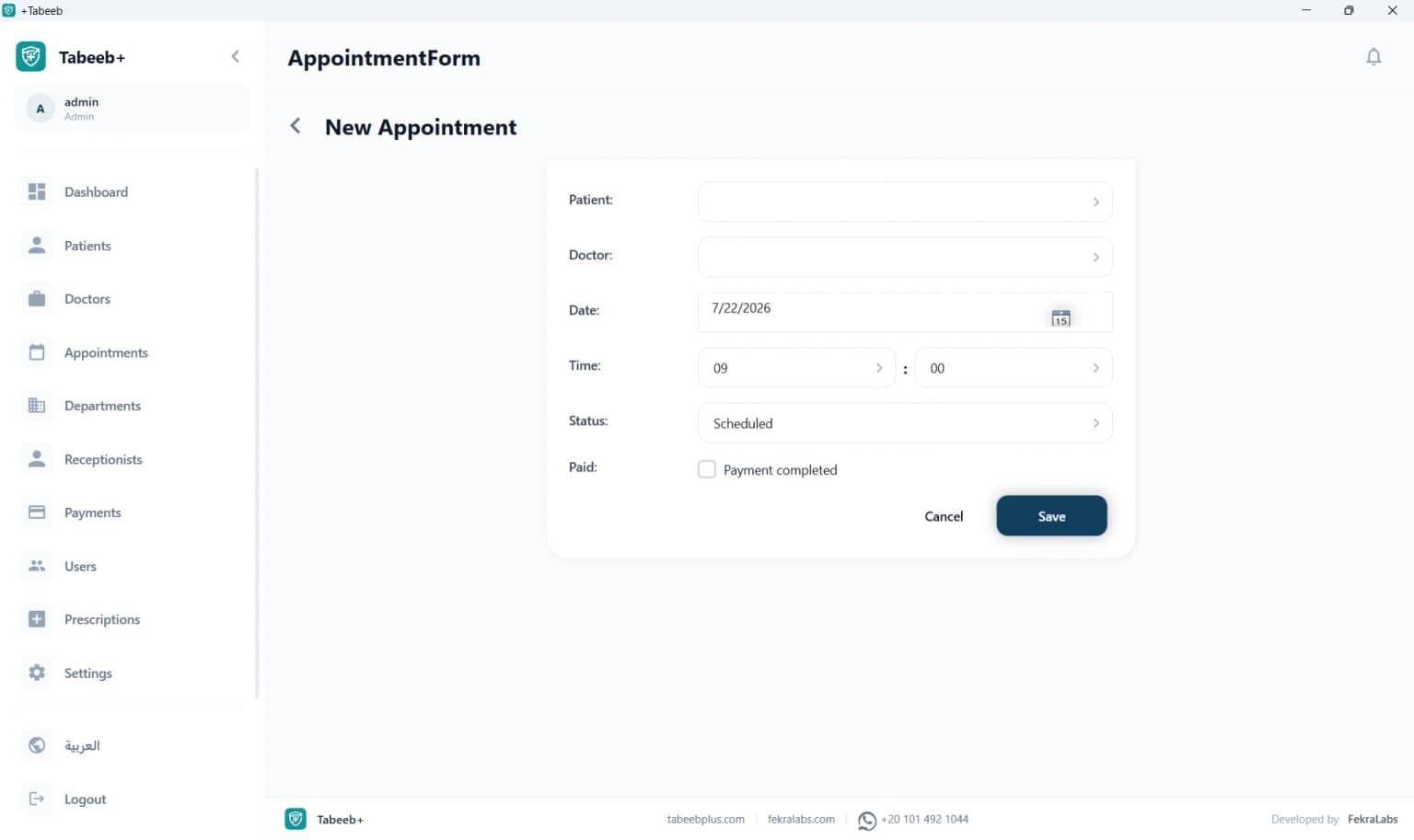
Smart calendar system for organizing clinic appointments, managing waiting lists, and tracking booking statuses.
📝
Prescription Printing
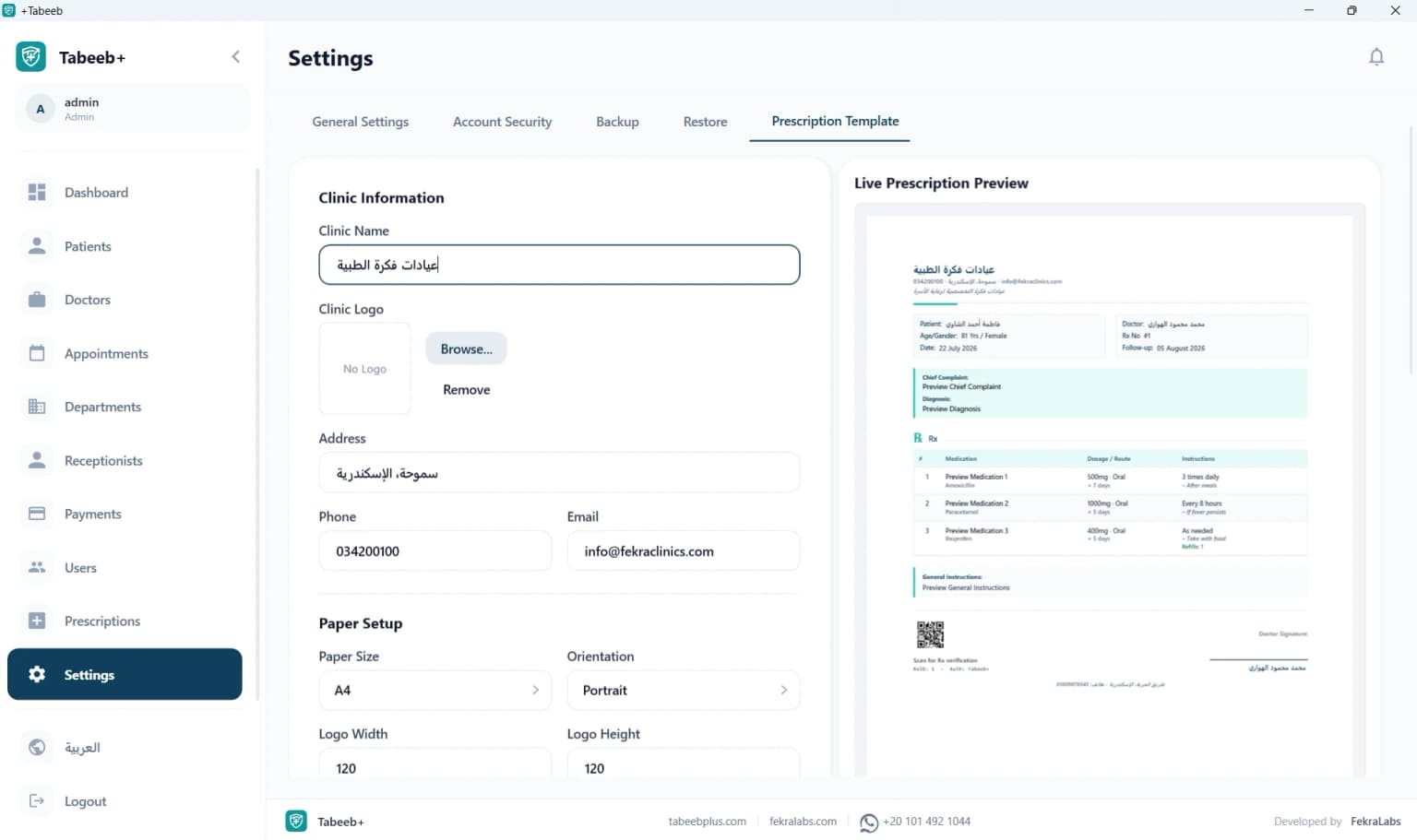
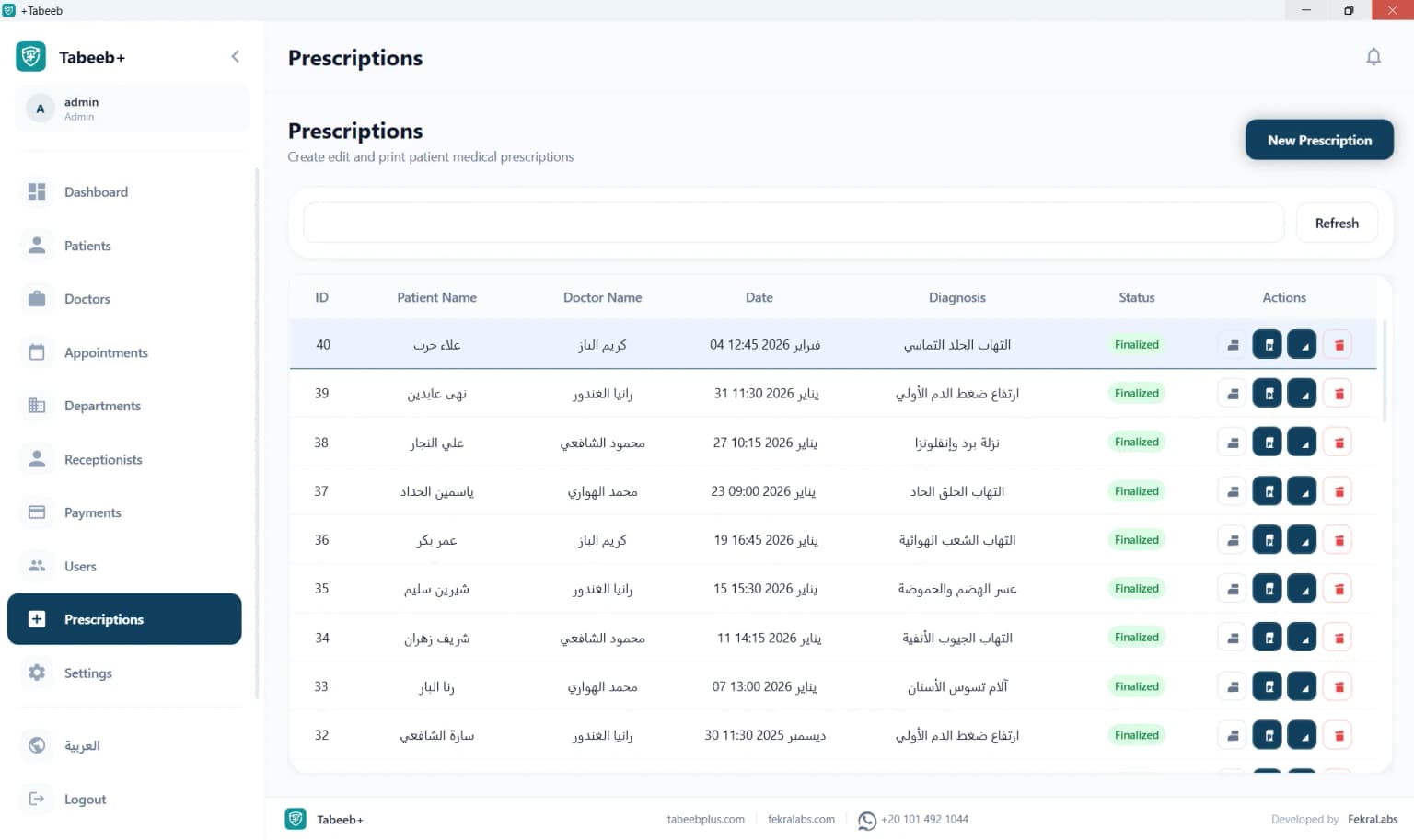
Design and print medical prescriptions with drug names, dosages, warnings, instructions, and physician signatures.
💳
Medical Billing & Invoicing
Issue printable invoices, record patient financial transactions, track expenses, and calculate doctor commission splits.
📊
Reports & Analytics
Detailed financial and operational reports analyzing clinic throughput, visit volumes, and revenue metrics.
👨⚕️
Multi-Doctor Support
Manage patient records and scheduling across multiple doctors with separate access permissions.
🗂️
ICD-10 Clinical Records
Document symptoms, examinations, and diagnoses compliant with the ICD-10 international disease classification.
💾
Encrypted Local Backups
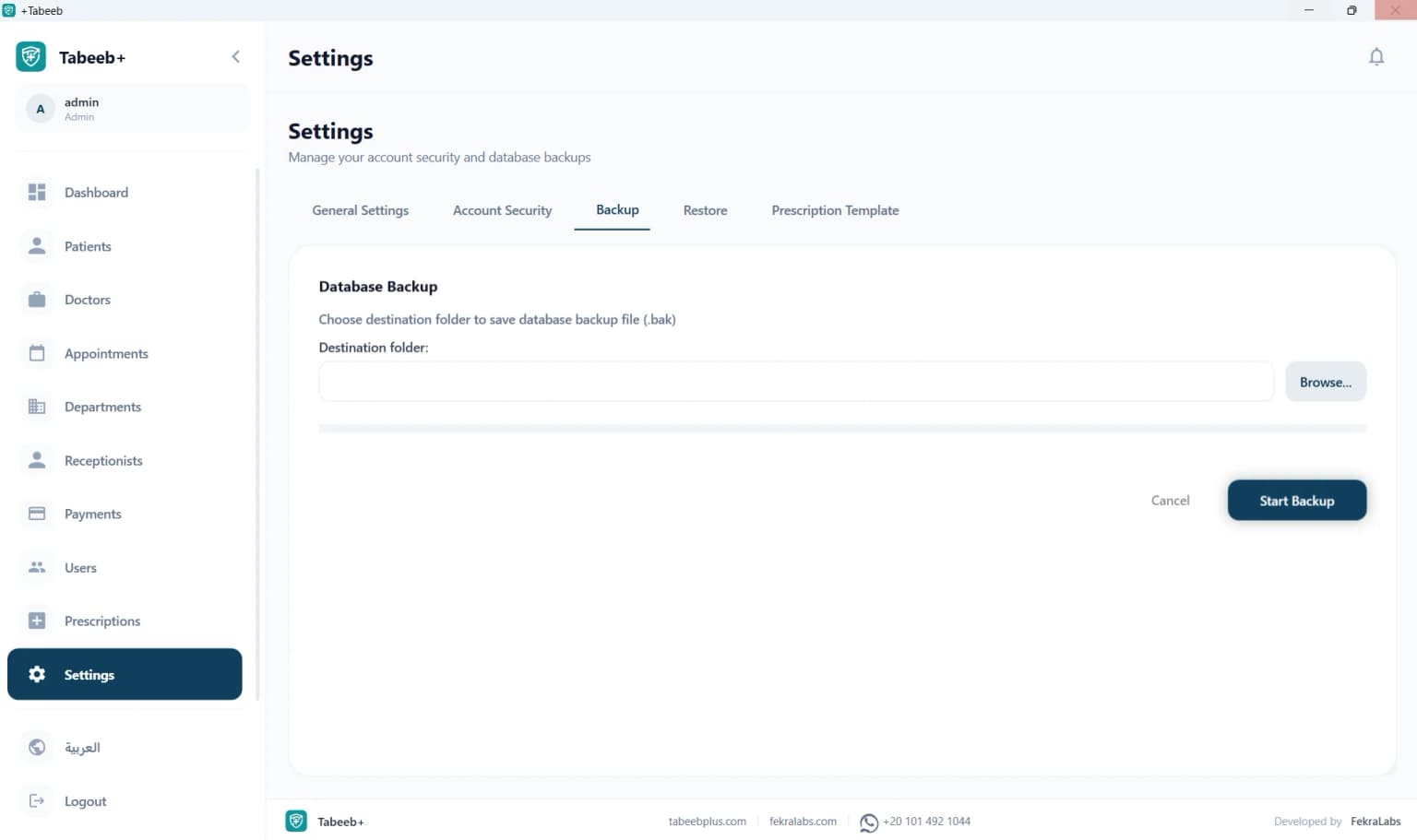
Protect clinic data with one-click encrypted local backups stored on your hard drive or external USB drive.
Desktop clinic management software offers complete data privacy because it runs 100% offline on your own machine. No monthly subscription, no dependence on constant internet.
Desktop clinic management software is the ideal choice for doctors who want full control over their patient data. The software runs locally on your computer without any connection to external servers, meaning all medical records, prescriptions, and invoices stay in your clinic.
Unlike cloud-based systems that require monthly subscriptions and constant internet connectivity, desktop software provides a lifetime license at a fixed cost. This makes it the most economical choice for solo practices, family clinics, and small medical centers.
Additionally, desktop software continues to work during internet outages or in areas without reliable internet service. This is essential for clinics in remote regions or during frequent power outages.
Clinic Management Software for Small & Medium Practices
TabeebPlus Desktop is purpose-built for solo practices, family clinics, and small to medium medical centers. It provides everything needed for daily management at minimal cost.
Small clinics need a simple, effective system to manage daily operations without complexity or high costs. TabeebPlus Desktop offers an easy-to-use interface covering patient management, appointment scheduling, prescription printing, and medical billing.
A single doctor or a small group of practitioners can use the software to run their clinic efficiently. The role-based permission system ensures each doctor can only access their own patients' records while maintaining data confidentiality.
With its offline operation and lifetime license, your clinic never has to worry about monthly subscriptions, internet disruptions, or ongoing update costs.
Dental Clinic Software — Patient Records & Appointments
TabeebPlus Desktop is suitable for dental clinics, supporting patient records, appointments, prescriptions, and invoicing specific to dental practices.
Dental clinics need a system that manages lengthy patient appointments and multiple treatment records. TabeebPlus Desktop provides a comprehensive database for each patient, including treatment history, upcoming appointments, and financial records.
The software supports configuring multiple specialties within a clinic, allowing management of general dentistry, orthodontics, oral surgery, and other dental departments in one place.
The customizable prescription template designer lets dental clinics create prescriptions with post-treatment instructions, medication dosages, and follow-up appointment schedules.
TabeebPlus Desktop supports multi-specialty medical centers with multiple doctors and separate permission systems.
Medical centers with multiple specialties need a system that consolidates all data in one place. TabeebPlus Desktop supports multi-specialty management with a unified database that tracks patients across departments.
Each doctor in the center can manage their own appointment schedule and patient files independently, while the clinic manager maintains a comprehensive view of the center's overall performance.
Integrated financial and operational reports help track performance by specialty and automatically calculate doctor commission splits.
Everything you need to know about installing and using offline clinic software.
🔍
Yes, you can download and use it for free on a single machine with all core features and no time restrictions. Multi-device licensing is available.
No, it works 100% offline. All data stays local on your machine. Internet is only needed for initial activation or optional updates.
Desktop runs offline on a single machine with a lifetime license. Cloud works via browser on any device with a monthly subscription and internet connection.
Yes, design and print prescriptions with drug names, dosages, warnings, physician signatures, and a customizable template designer.
Yes, manage patient records and scheduling across multiple doctors with separate access permissions for each.
Yes, all data is encrypted locally on your machine with no connection to external servers. Regular backups are recommended.
Windows 10/11 64-bit, 4GB RAM (8GB recommended), 500MB free disk space, Intel Core i3 processor or equivalent.
Approximately 230MB. Requires less than 500MB after installation.
Yes, a built-in backup utility creates an encrypted copy of the database with one click.
Yes, compliant with the ICD-10 international disease classification for documenting medical diagnoses.
Yes, a visual layout designer for customizing header, footer, logo, borders, and spacing.
Yes, supports all medical specialties with separate profile configurations for each.
Yes, supports importing data from CSV files and previous databases.
Yes, support via WhatsApp and email with a comprehensive user guide and video tutorials.
Yes, suitable for dental clinics supporting patient records, appointments, prescriptions, and billing.
Yes, an activity log shows login records and access to patient files.
Yes, comprehensive financial and operational reports on daily and monthly performance.
Yes, supports recording vital signs including blood pressure, weight, height, and temperature.
Designed for small and medium clinics. For large hospitals, contact us for custom enterprise solutions.
Yes, you can optionally download updates over the internet.
Yes, a fully bilingual interface with language switching capability.
Yes, the free version is the full version with no time restrictions.
The free version is for a single device. Multi-device licenses are available.
Varies by number of devices and features. Contact us via WhatsApp for a customized quote.



%20timeline%20for%20a%20patient.webp&w=1536&q=75)