Ensure code is entered correctly without spaces. Each code is tied to one device only. TabeebPlus Desktop delivers an integrated solution for License Activation Failed as offline clinic management software with a lifetime license — built for clinics in Egypt and the Arab region that need operational stability and patient data privacy.
What is License Activation Failed?
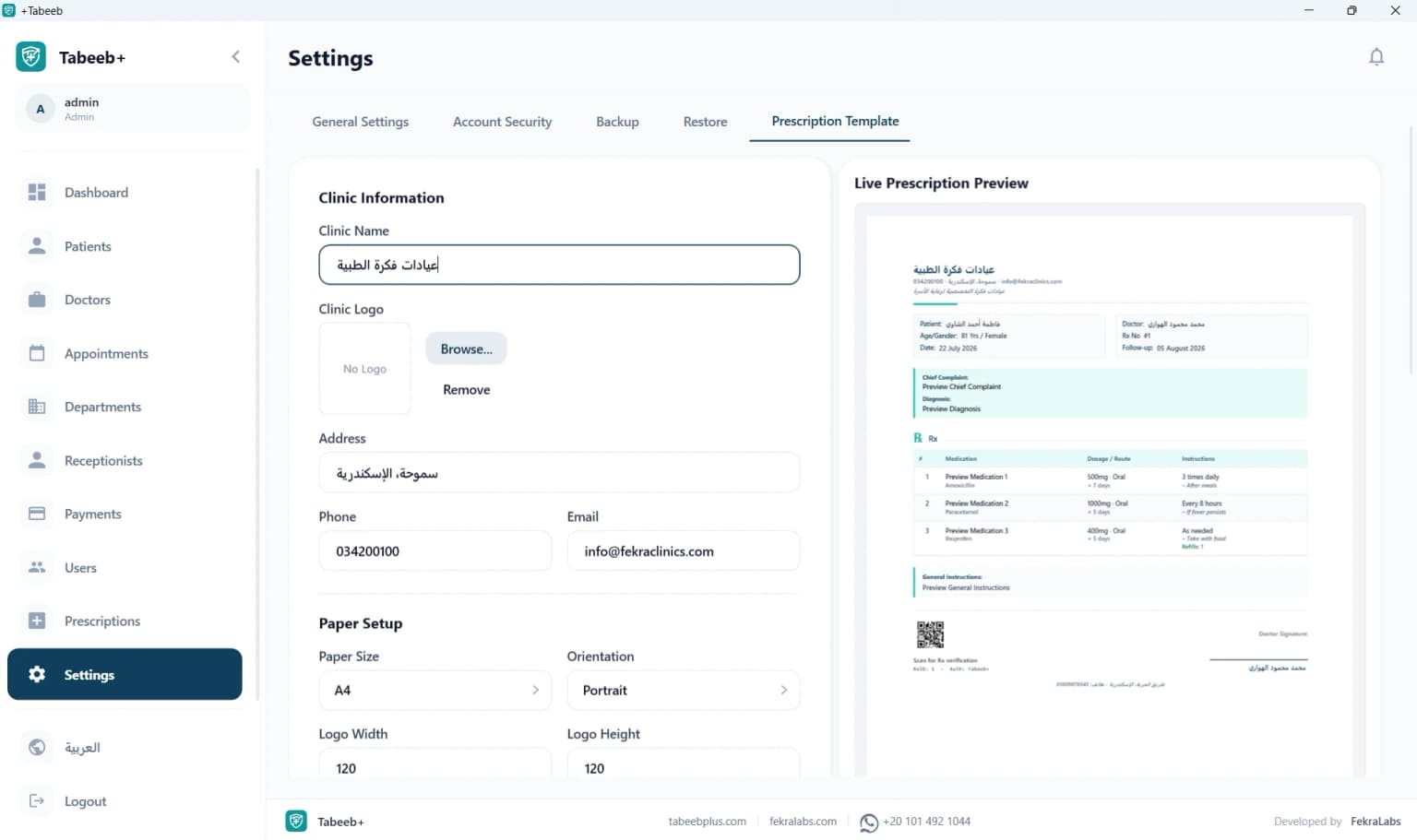
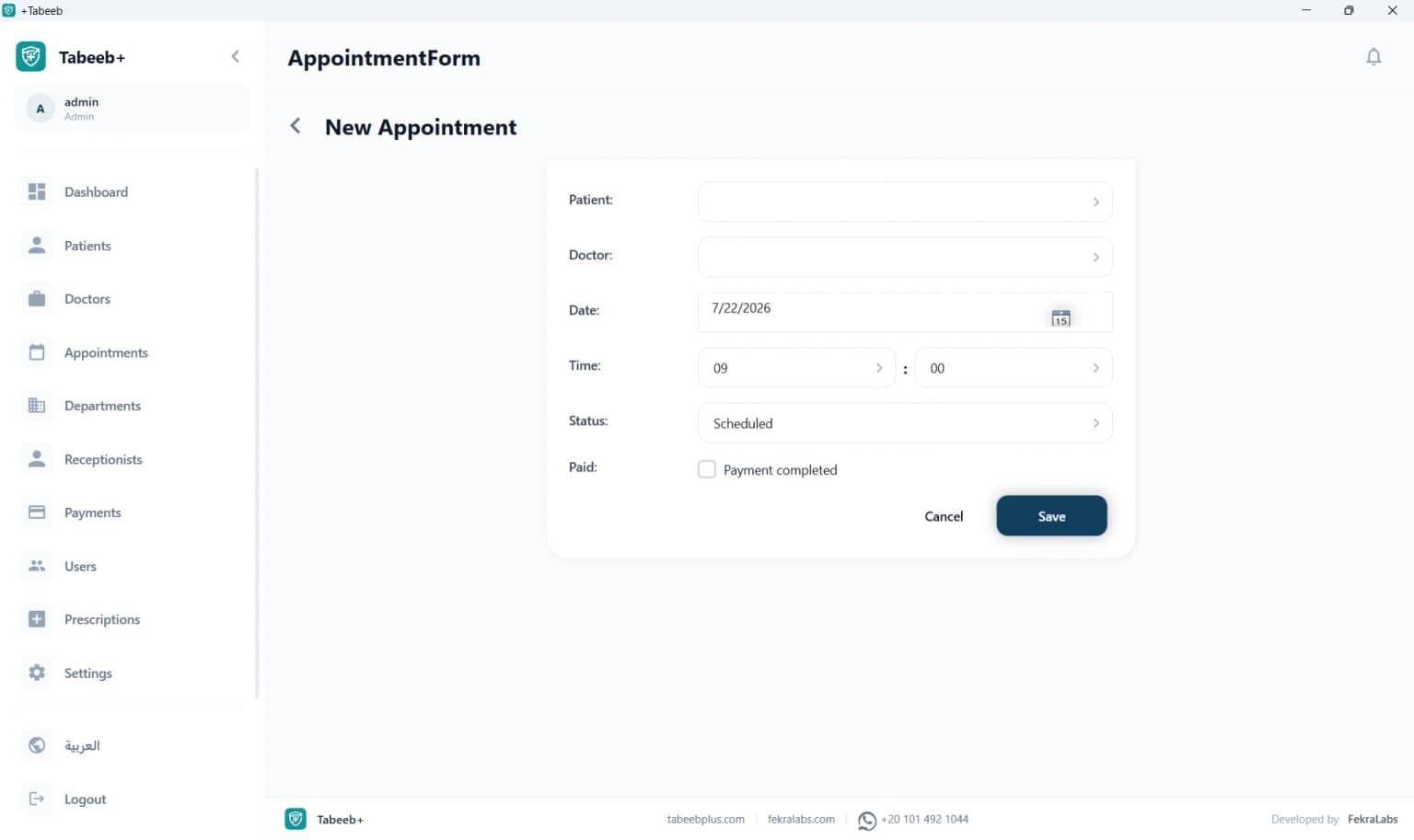
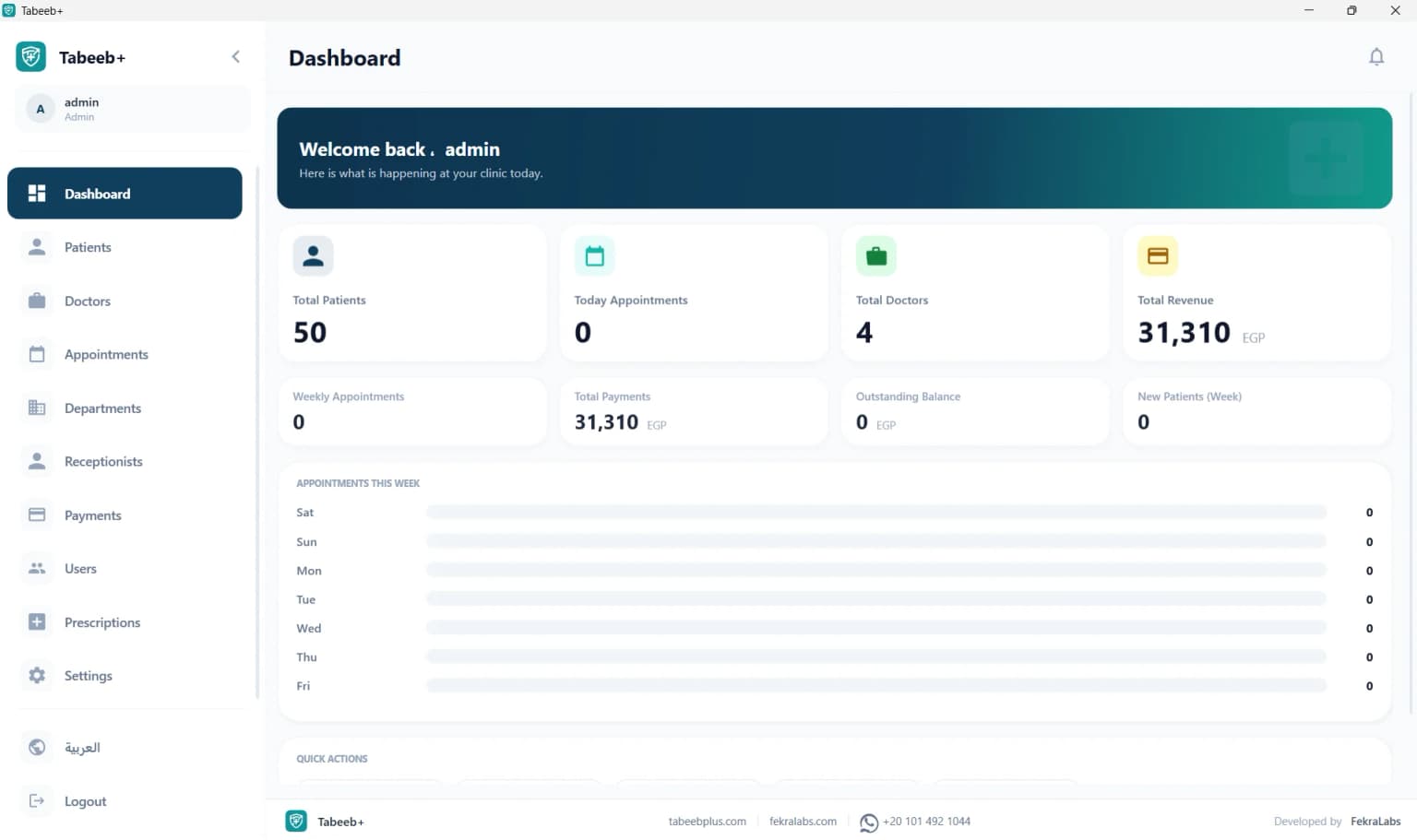
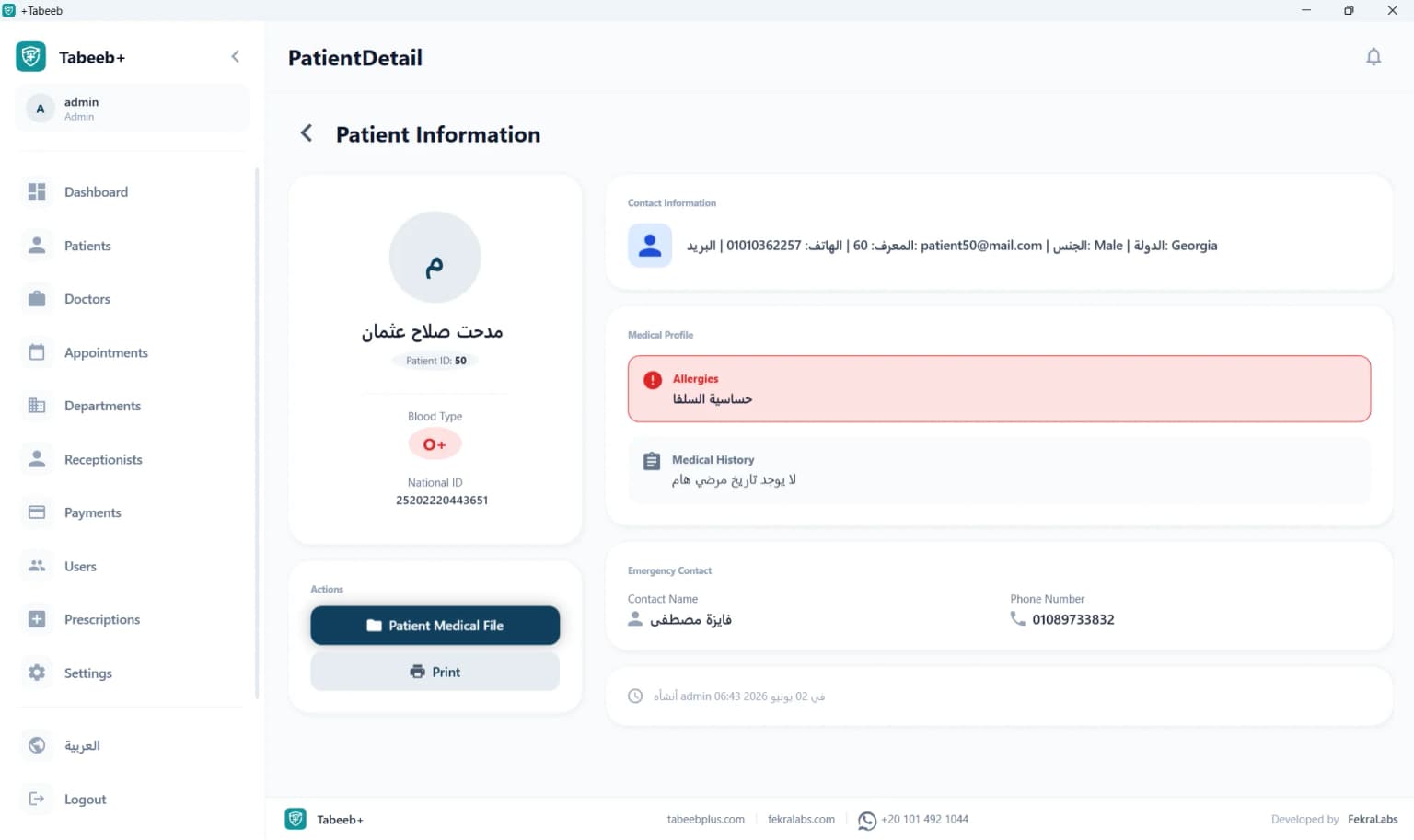
License Activation Failed is a core part of TabeebPlus Desktop — offline clinic management software on Windows with a lifetime license. Ensure code is entered correctly without spaces. Each code is tied to one device only. It provides local SQL Server EMR, appointments, and billing without requiring constant internet, ideal for private clinics that value stability and data privacy.
Unlike cloud systems relying on remote servers and monthly subscriptions, TabeebPlus Desktop keeps patient data inside your clinic. Reception, doctors, and accountants can work across LAN-connected PCs while every action stays fast and available during external network outages.
Why does your clinic need License Activation Failed?
Clinics face appointment pressure, record accuracy, and privacy compliance daily. Without a unified system, data scatters across notebooks, Excel, and chat apps. License Activation Failed centralizes operations for Clinic owners managing reception and billing themselves — focused on License Activation Failed.
- Appointment conflicts between reception and doctor
- Internet outages halt cloud-dependent workflows
- No clear permissions between doctor, reception, and billing
- Lost paper files or difficult patient search
- Duplicate patient data entry across tools
Key features
- Copy full code without spaces
- Verify code wasn't used on another device
- Connect to internet briefly for activation only
- Contact sales for new code if needed
- Send screenshot of error via WhatsApp to support
| Area | Without system | With TabeebPlus Desktop |
|---|---|---|
| Internet | Not required but chaotic | Not required and integrated |
| Billing | Manual error-prone totals | Visit-linked invoices |
| Archiving | Paper or scattered Excel | Unified local EMR |
| Privacy | Exposed paper files | Role-based local DB |
How the system works
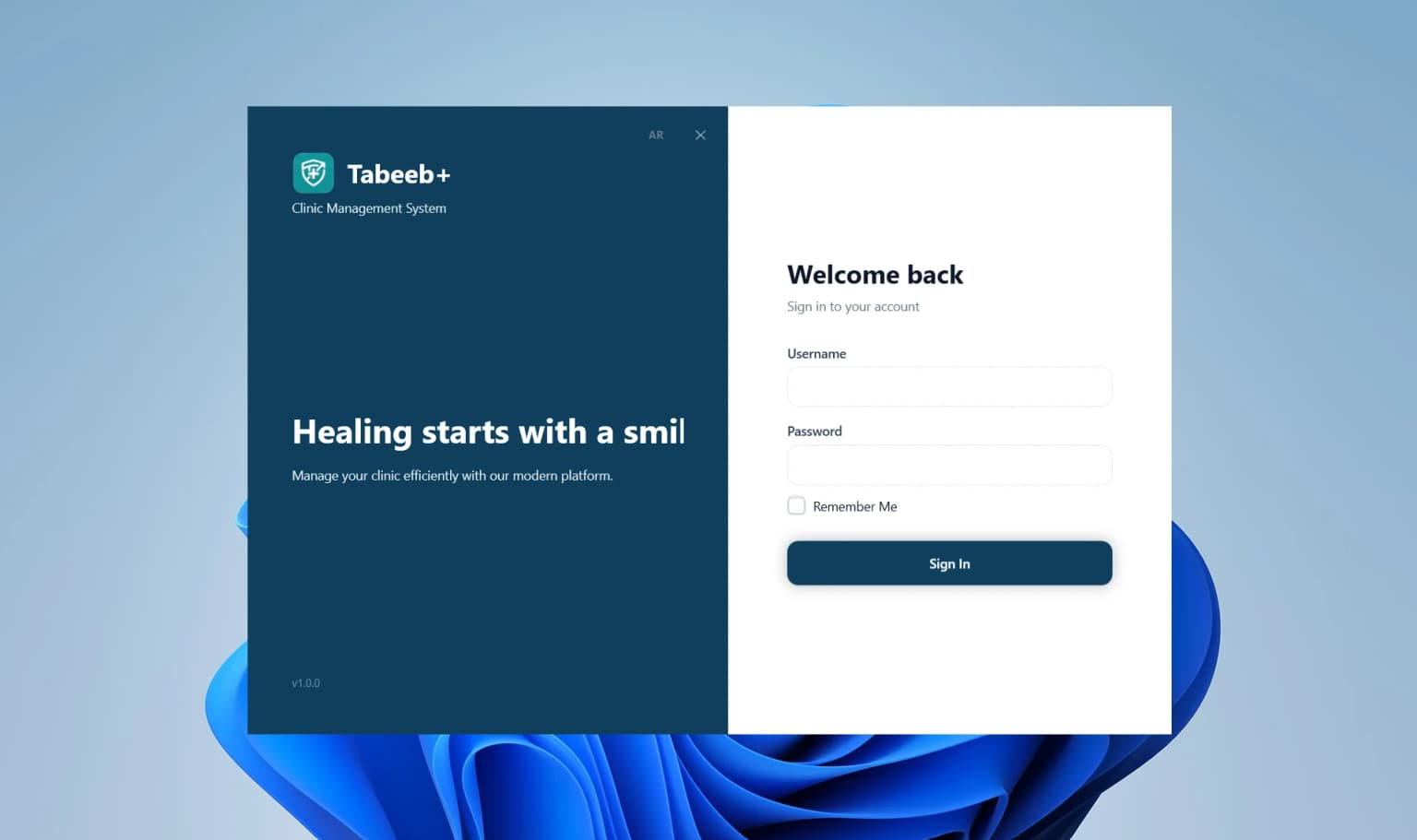
The app runs as a Windows WPF/.NET client connected to local SQL Server. Each user logs in with role-based permissions. Every patient, appointment, prescription, and invoice is saved locally and synced across LAN devices when configured.
Usage steps
- Create user accounts for License Activation Failed
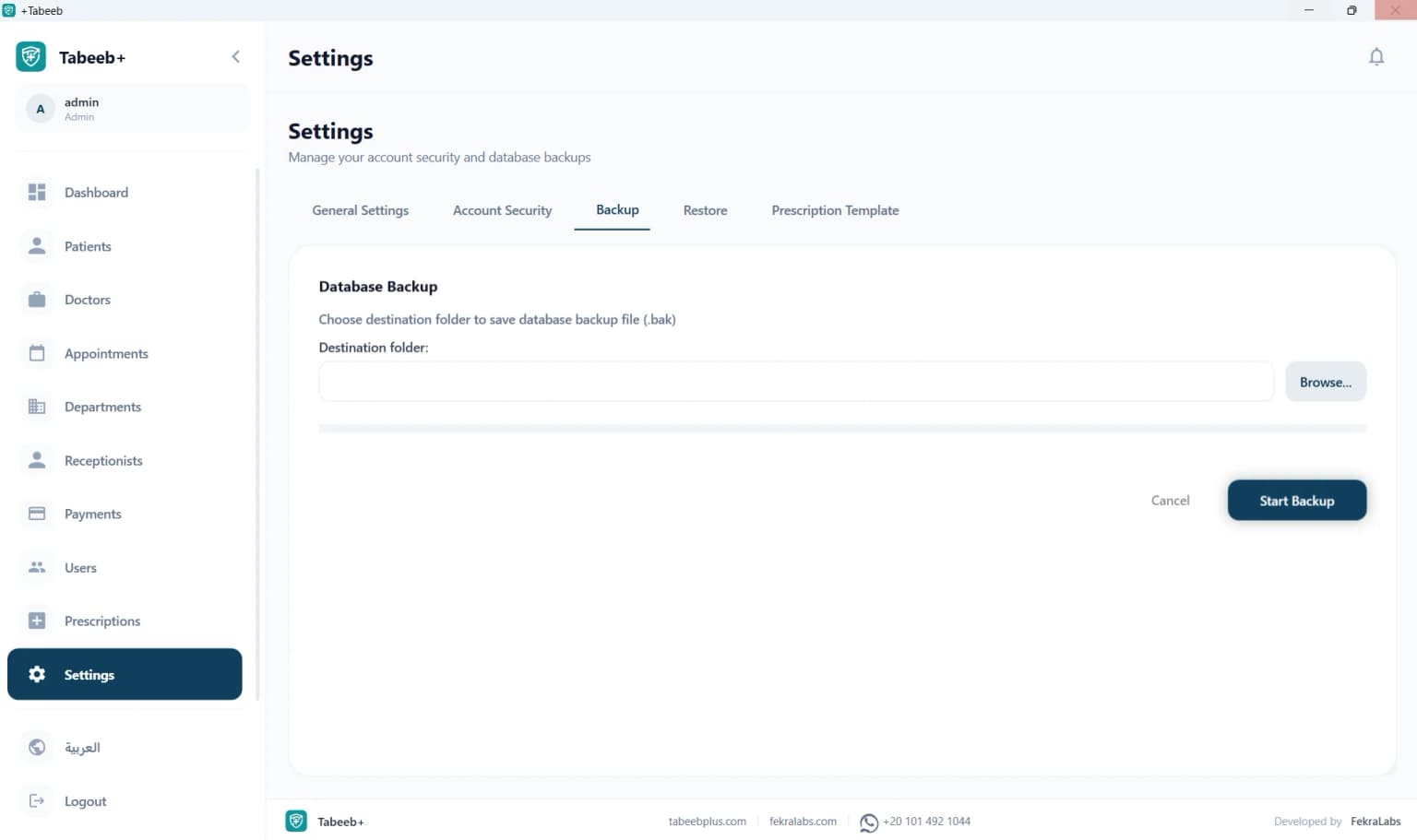
- Go live with weekly backups
- Create user accounts for License Activation Failed
- Go live with weekly backups
- Create user accounts for License Activation Failed
Benefits
One-time licensing (EGP 2,000 in Egypt or USD 100 internationally) with no monthly fees. Local processing delivers instant response without remote server latency.
- Standardize department names before data entry
- Weekly SQL backup to external drive
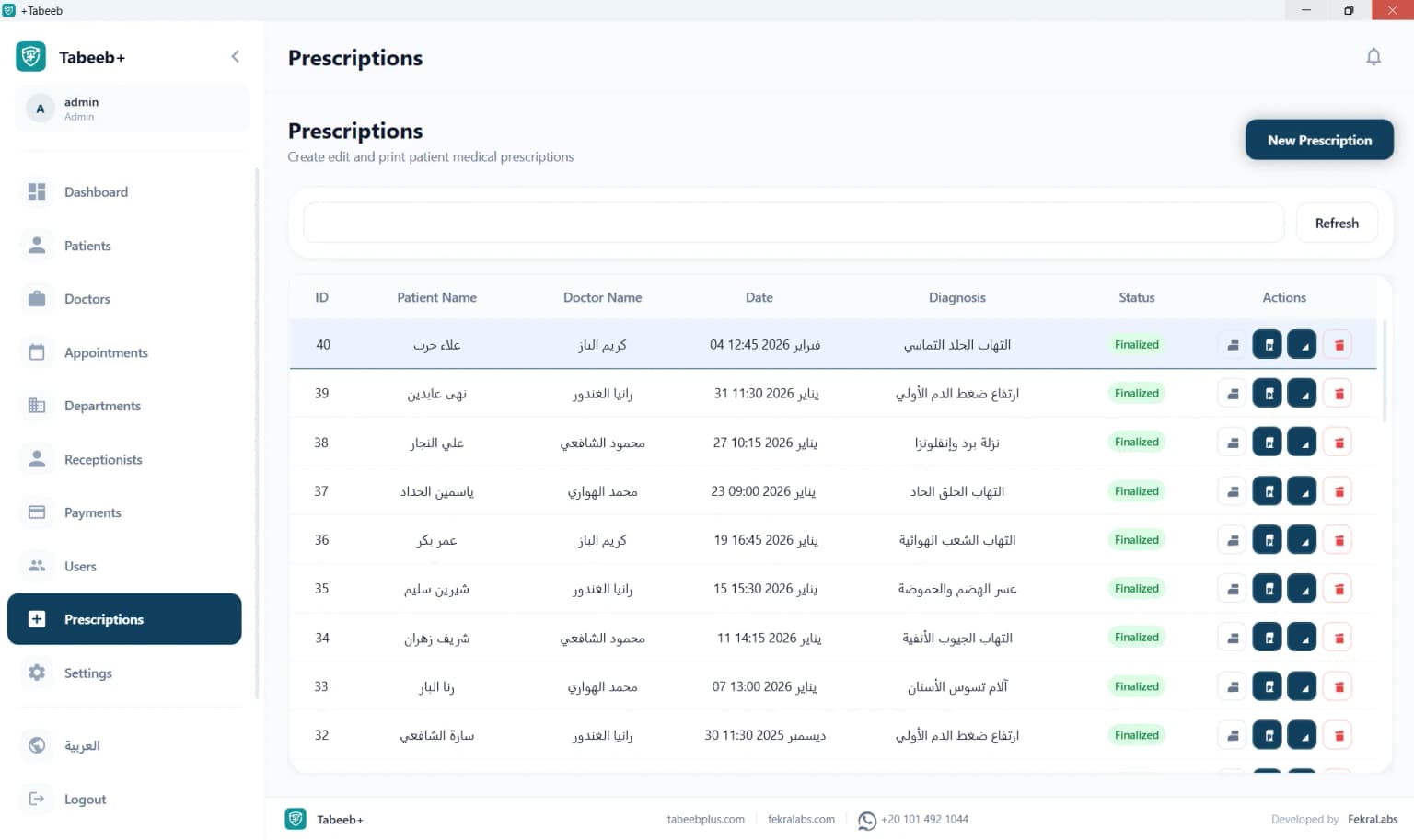
- Test prescription printer before go-live
- Separate permissions for doctor, reception, billing
Book a Free Consultation with TabeebPlus
We help you choose the right setup: single PC or multi-device LAN.
Problems it solves
- Patient records within License Activation Failed
- Invoicing per treatment session
- Patient records within License Activation Failed
- Invoicing per treatment session
- Patient records within License Activation Failed
Who it's for
Ideal for: Clinic owners managing reception and billing themselves — focused on License Activation Failed.
Real example: A License Activation Failed clinic in Riyadh serving about 56 patients weekly. After TabeebPlus Desktop, reception became ~30% faster with patient, appointment, and invoice data on one screen — no internet wait or paper search.
Medical specialties
While this page focuses on License Activation Failed, TabeebPlus Desktop supports dental, pediatric, dermatology, OB/GYN, internal medicine, orthopedics, and more via dedicated specialty pages.
Why TabeebPlus
TabeebPlus specializes in Arabic-market clinic management. We offer lifetime Desktop licensing, Arabic support via WhatsApp, detailed setup guides, and free trials before purchase.
Get started
Request a free trial or purchase a lifetime license. Compare Desktop vs cloud on the pricing page or read step-by-step setup guides.
Related Internal Links
Frequently Asked Questions
Does License Activation Failed work fully offline?
Yes. TabeebPlus Desktop runs 100% offline on Windows. Internet is optional for support or updates only.
What is the lifetime license price?
EGP 2,000 in Egypt or USD 100 internationally — one-time payment, no subscription.
Who is License Activation Failed for?
Clinic owners managing reception and billing themselves — focused on License Activation Failed
Can reception connect to the doctor's PC?
Yes, via internal LAN with SQL Server on a local host and client PCs at reception.
How do I start a free trial?
Contact us on WhatsApp for a trial installer and setup assistance on Windows 10/11.
Is my data secure locally?
Data stays on your clinic's SQL Server. You control backups and permissions with no automatic cloud upload.
Desktop vs cloud edition?
Desktop is offline with a lifetime license; cloud requires internet and monthly subscription with remote access benefits.
Does License Activation Failed support printing and billing?
Yes. License Activation Failed integrates with prescriptions and billing for local printing without internet.


%20timeline%20for%20a%20patient.webp&w=1536&q=75)