Executive Summary: Medical clinic operational continuity requires a resilient software architecture unhindered by internet outages or web server degradation. Offline-first desktop systems deliver zero-latency responsiveness and total patient data sovereignty.
Table of Contents
- 1. Operational Pitfalls of Cloud-Only Systems in Clinic Management
- 2. Understanding Offline-First Architecture & Data Autonomy
- 3. Technical Comparison: Offline-First Desktop vs Cloud Web Applications
- 4. Healthcare Data Privacy: Why Clinics Prefer Local Encrypted Storage
- 5. Zero-Latency Performance: Eliminating Browser Loading & Freezes
- 6. Real-World Scenarios: How Offline Systems Safeguard Outage Disruptions
- 7. Practical Checklist for Selecting Desktop Clinic Software
- 8. Tabeeb+ Desktop: The Ultimate Offline-First Medical Platform
1. Operational Pitfalls of Cloud-Only Systems in Clinic Management
Medical facilities encounter daily vulnerabilities when relying strictly on cloud-only web portals. Whenever ISP connections drop or experience severe bandwidth throttling, reception terminals freeze, doctors lose access to electronic medical records, and waiting rooms become gridlocked.
Relying solely on web browsers and remote cloud servers places clinic operations at the mercy of third-party factors such as server maintenance windows, regional fiber cuts, and web latency. Explore available solutions in our guide to the Best Clinic Management Software.
2. Understanding Offline-First Architecture & Data Autonomy
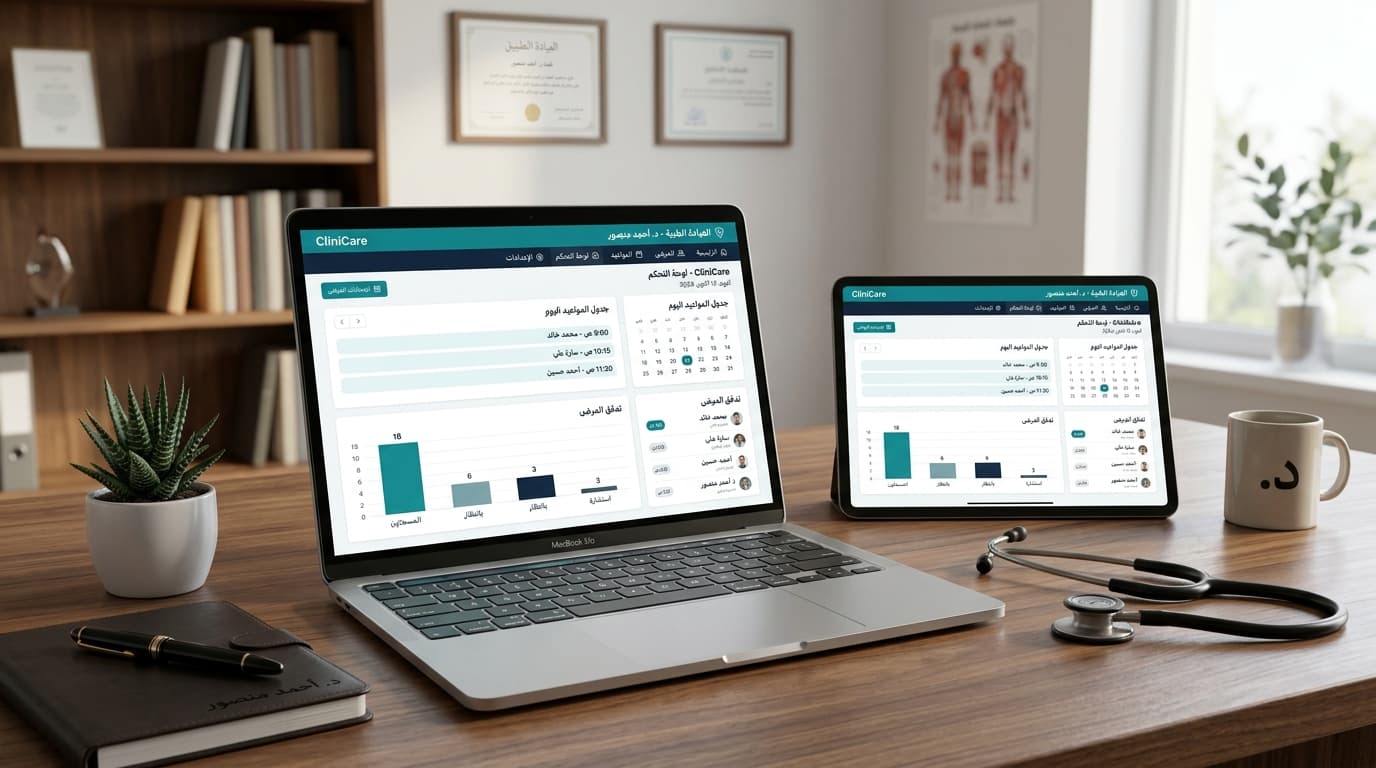
Offline-first architecture centers around executing the database engine and core medical modules directly on the clinic’s local hardware. Every patient registration, e-prescription generation, and financial billing operation runs directly on local RAM and SSD storage without waiting for remote server round-trips.
This paradigm yields total operational autonomy, allowing your clinic to run at 100% efficiency regardless of internet connection status, empowering robust EMR Software Capabilities.
3. Technical Comparison: Offline-First Desktop vs Cloud Web Applications
| Evaluation Criteria | Offline-First Desktop Software | Cloud-Only Web Application |
|---|---|---|
| Internet Outage Resilience | 100% operational with zero downtime | Complete shutdown & total operational halt |
| Record Access Speed | Instantaneous (Zero Latency) | Dependent on ISP speed & cloud latency |
| Data Sovereignty & Privacy | Stored & encrypted on clinic premises | Stored on shared multi-tenant remote servers |
| Long-Term Total Cost | Predictable desktop license, no recurring inflation | Escalating monthly user subscriptions |
| Hardware & Printer Integration | Direct local USB & LAN hardware control | Subject to browser print dialogs & cloud drivers |
4. Healthcare Data Privacy: Why Clinics Prefer Local Encrypted Storage
Protecting protected health information (PHI) is both a legal mandate and an ethical foundation. In web-based cloud environments, patient charts travel across open networks and reside on multi-tenant servers, increasing exposure to cyberattacks and data leaks.
Local encrypted storage grants physicians absolute control over medical databases. Daily automated backups can be stored on secured offline media, adhering strictly to global medical data standards. Learn more in our Healthcare Data Security Guide.
5. Zero-Latency Performance: Eliminating Browser Loading & Freezes
During active consultations, doctors need rapid navigation between clinical notes, lab reviews, and prescription builders. A 3-to-5 second latency per click in web browsers accumulates into hours of lost productivity weekly.
Desktop software processes queries locally via high-speed system memory, eliminating page refreshes and browser lag, shortening consultation prep time and enhancing patient throughput.
6. Real-World Scenarios: How Offline Systems Safeguard Outage Disruptions
Consider a busy Monday morning with 25 patients waiting in reception when an unexpected neighborhood power surge disables internet routers. In cloud-dependent practices, staff revert to manual paper logging, appointments collapse, and chaos ensues.
In contrast, clinics equipped with Tabeeb+ Desktop continue check-ins, charting, and prescription printing seamlessly over local LAN, preserving flawless care delivery without interruption.
7. Practical Checklist for Selecting Desktop Clinic Software
- Robust Local Database Engine: Fast handling of thousands of patient records without slowing down.
- Automated Local Backup Utility: Simple 1-click encrypted data exports to external drives.
- Bilingual Arabic & English Interface: Intuitive design crafted for healthcare teams.
- Direct Peripheral Support: Instant USB thermal receipt and full-page prescription printing.
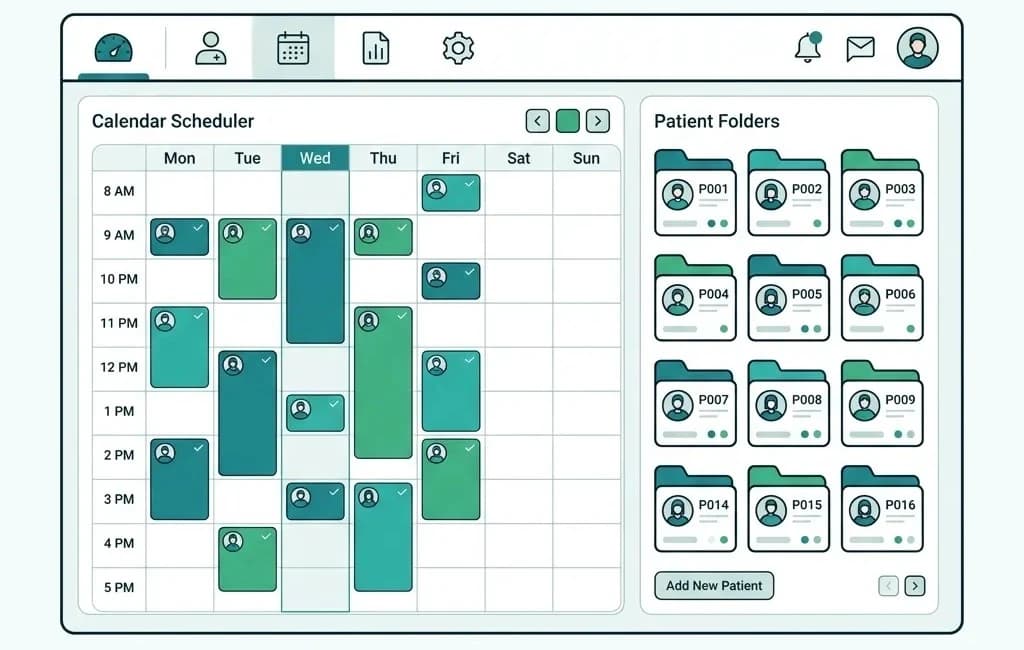
- Integrated Patient Engagement Tools: Native communication modules within the Patient Management System.
8. Tabeeb+ Desktop: The Ultimate Offline-First Medical Platform
Tabeeb+ Desktop was engineered from the ground up for medical practitioners in the MENA region, uniting offline speed, rock-solid stability, and elegant workflow design. Discover how it powers modern practice operations at TabeebPlus Clinic Operating System.
Upgrade your clinic today to a resilient, offline-first digital environment that guarantees uninterrupted healthcare delivery and total data ownership.