إدارة صلاحيات المستخدمين الطبية: حماية سرية السجلات والامتثال الأمني
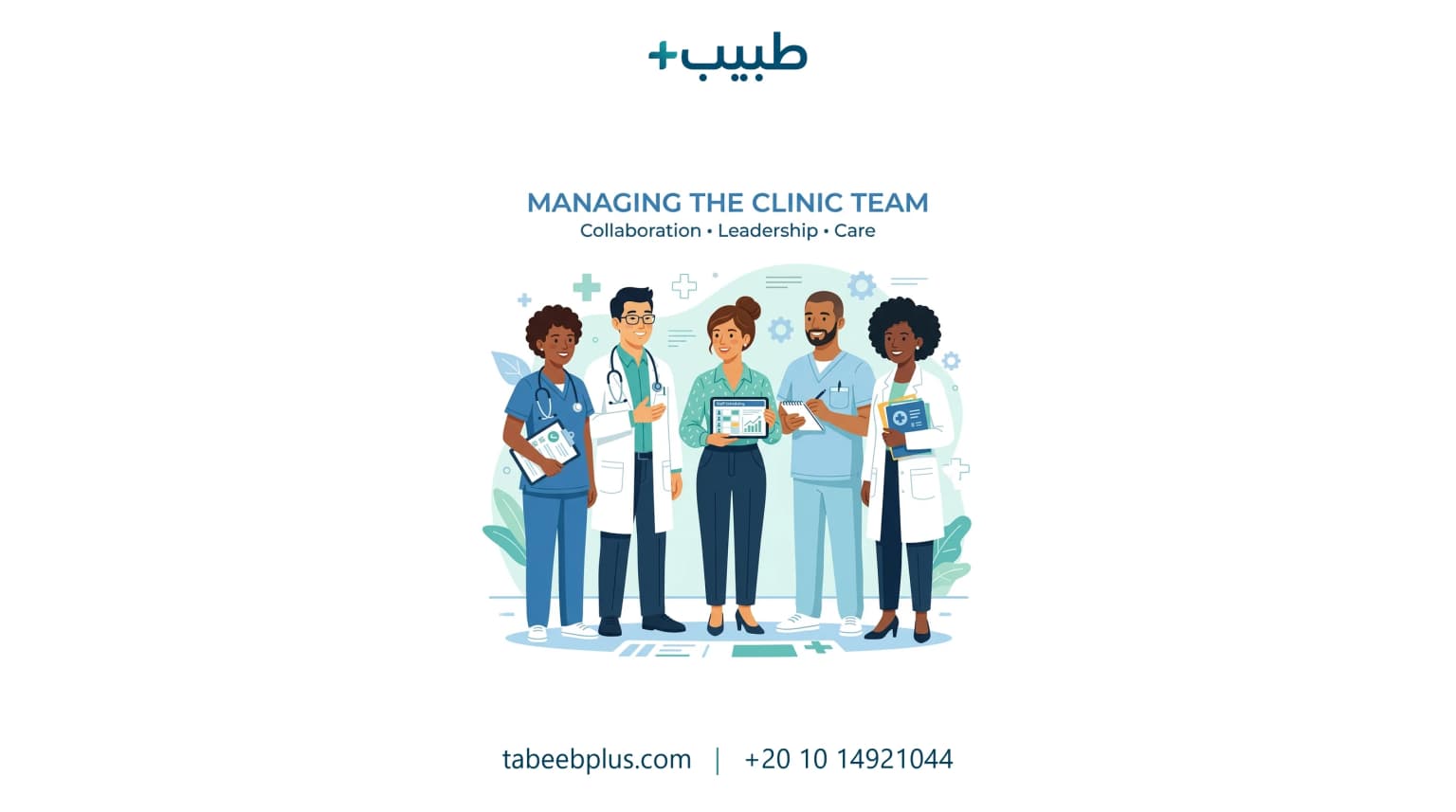
تمثل حماية خصوصية بيانات المرضى وسرية حسابات العيادة ركيزة أساسية للامتثال الصحي. يساهم وضع نظام دقيق لـ صلاحيات الموظفين الطبية في تعزيز أمن معلومات العيادة بامتثال كامل لجميع القوانين المعيارية.
جدول المحتويات
1. ما هي صلاحيات المستخدمين الطبية ولماذا هي ضرورية؟
هي تحديد وتفصيل الصلاحيات والملفات التي يحق لكل موظف الاطلاع عليها وتعديلها بالبرنامج السحابي، لمنع الوصول غير المصرح به للمعلومات الطبية الحساسة والحسابات المالية للعيادة.
تؤكد لوائح الأمن السيبراني الصحي أن تطبيق جدار حماية وصلاحيات دقيقة يمنع أكثر من 90% من حوادث تسريب البيانات والامتثال لمعايير HIPAA العالمية.
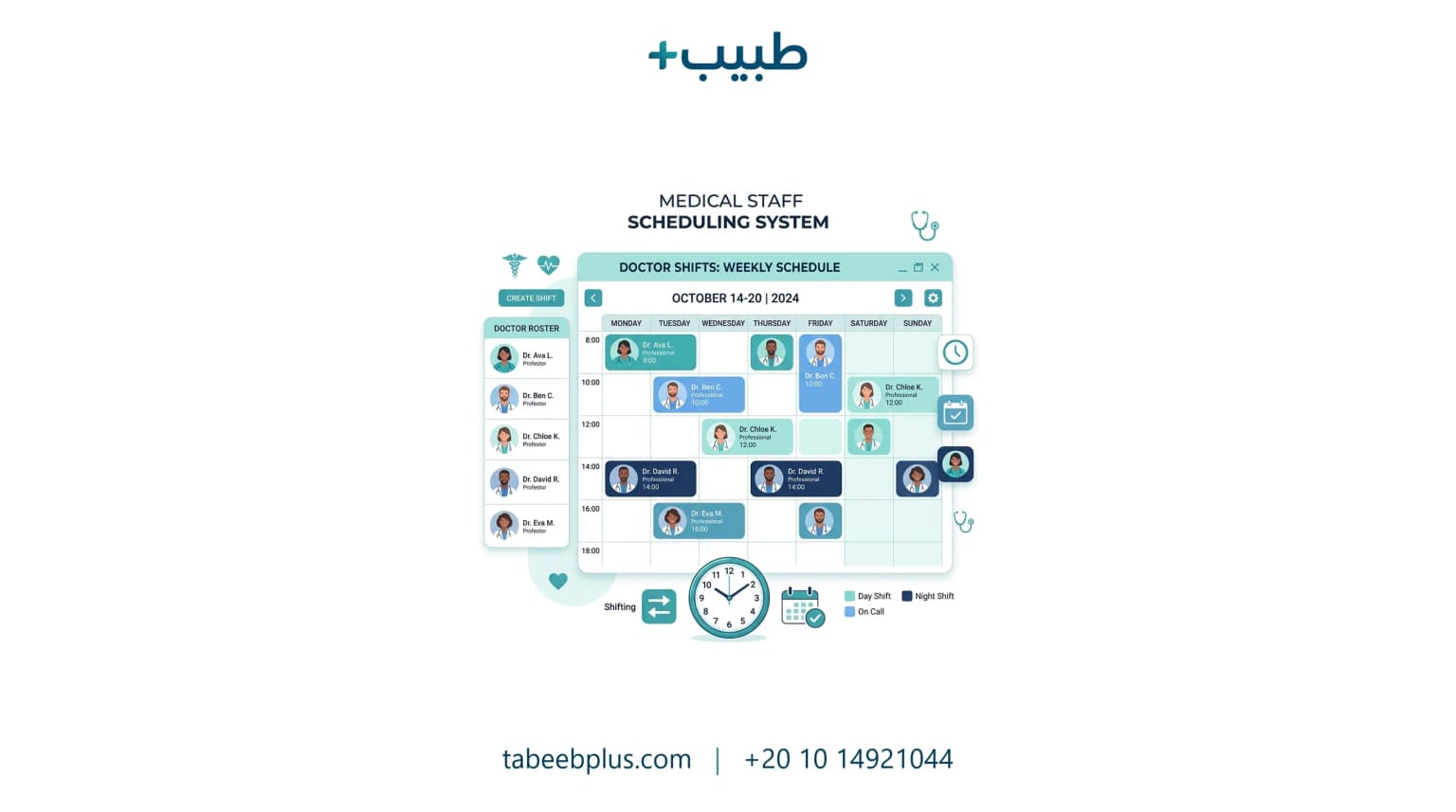
2. تخصيص الأدوار والصلاحيات (استقبال، تمريض، طبيب، محاسب)
تحديد الصلاحيات بالعيادة يتطلب الفصل الدقيق للمهام المحاسبية والطبية:
- موظف الاستقبال: يقتصر وصوله على جدول المواعيد وتسجيل الفواتير.
- طاقم التمريض: يستطيع إدخال العلامات الحيوية وتاريخ المريض فقط.
- الطبيب والمحاسب: ينفرد الطبيب بالتشخيص ووصف الأدوية، وينفرد المحاسب بمراجعة وتعديل تقارير الدخل والمصروفات.
3. الامتثال لقواعد HIPAA وأمن البيانات الرقمية السحابية
الامتثال للتعليمات الصحية يتطلب تفعيل سجل التدقيق (Audit Log) لتتبع كافة التعديلات، وتطبيق تشفير بيانات المرضى بالكامل سحابياً لحماية السجلات من الاختراق والتسريب.
4. دور الصلاحيات في تيسير تواصل المرضى وإدارة موظفي العيادة
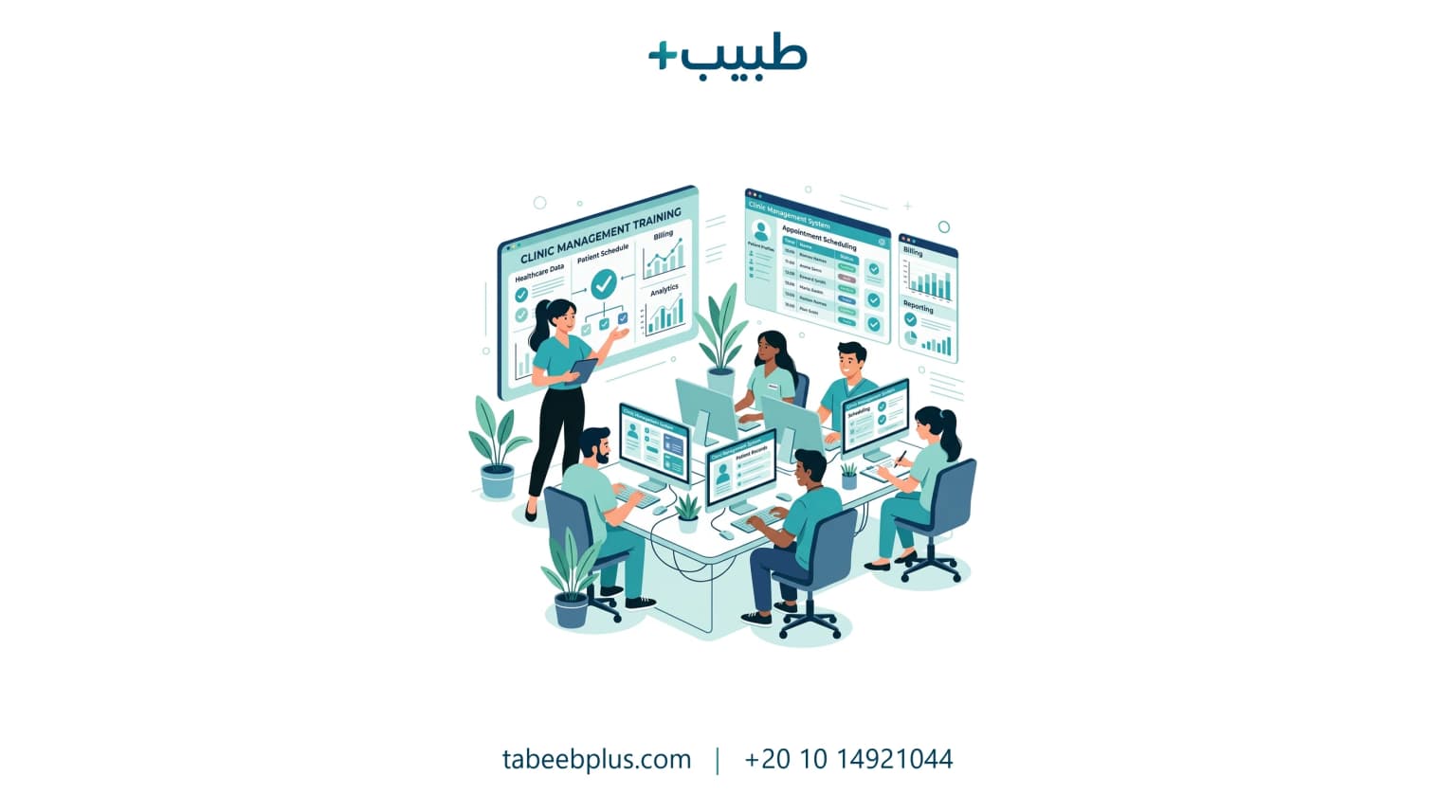
تنظيم الأدوار يساعد في تسريع العمل بـ إدارة موظفي العيادة، وتفادي الأخطاء، وضمان وصول التنبيهات المنسقة ورسائل تذكير المواعيد واتساب للمرضى بدقة وأمان.
5. الأسئلة الشائعة حول إدارة صلاحيات المنشآت الطبية
هل يستطيع مدير العيادة التحكم الكامل وتخصيص صلاحية جديدة؟
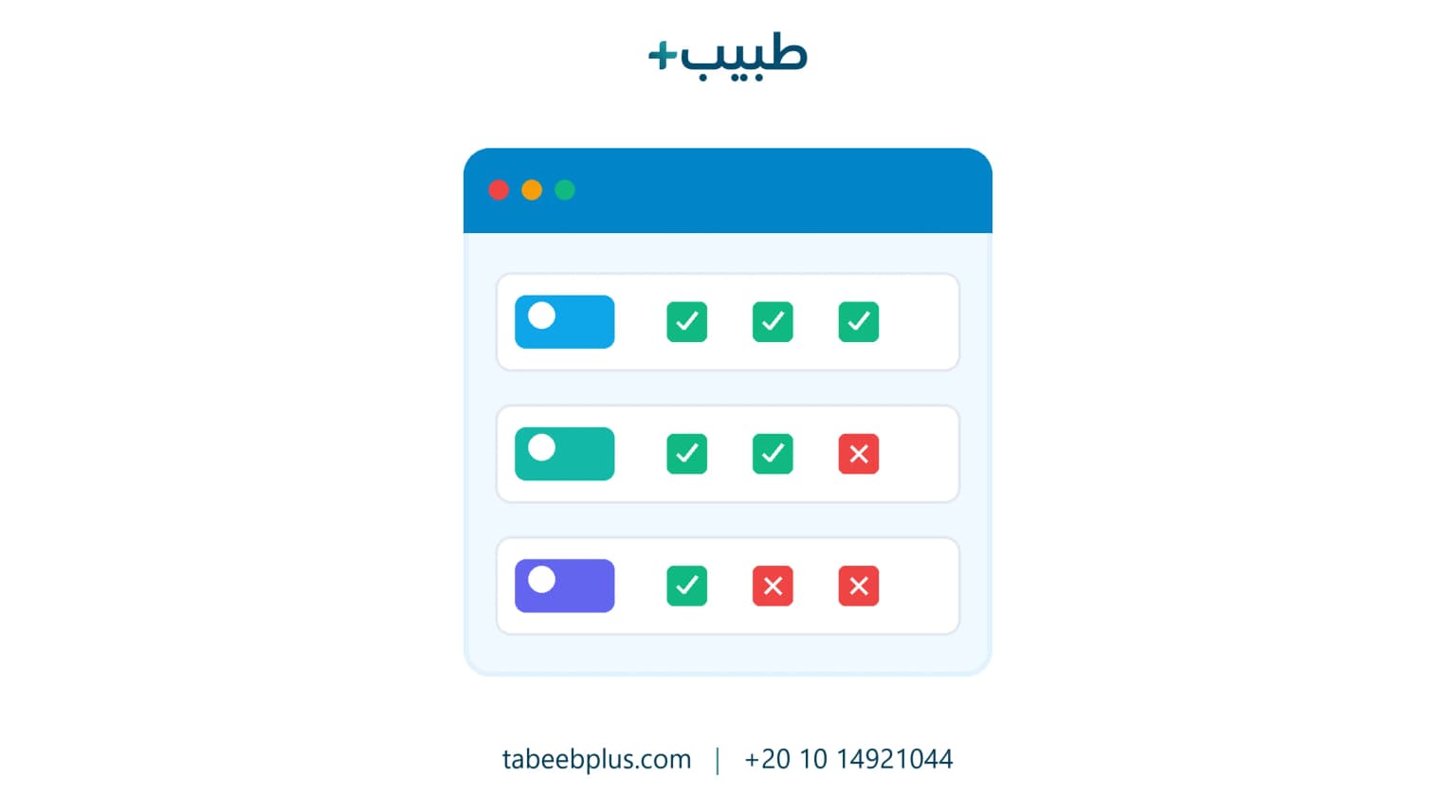
نعم، يتيح طبيب+ (Tabeeb Plus) لمالك العيادة تخصيص أدوار جديدة وتحديد صلاحيات القراءة، والتعديل، والحذف بكل قسم بمرونة فائقة.
كيف تساهم حماية البيانات في تعزيز رضا وثقة المرضى؟
بالتأكيد على سرية معلوماتهم وخصوصيتها، مما يرفع مستويات رضا المرضى وثقتهم ببراعة عيادتك وإجراءاتها الرقمية الآمنة.
هل يدعم النظام الدخول الموحد والمصادقة الثنائية (2FA) للموظفين؟
نعم، يدعم طبيب+ تفعيل المصادقة الثنائية لحماية حسابات الأطباء والموظفين وتفادي تسجيل الدخول من أجهزة غريبة غير مصرح بها.
احمِ بيانات عيادتك الطبية وحافظ على سرية مرضاك مع طبيب+
الصلاحيات الدقيقة تحمي معلوماتك وتمنع الأخطاء وتحدد المسؤوليات. نظام طبيب+ السحابي يوفر لك النظام الأكثر أماناً وسهولة لإدارة عيادتك الطبية وموظفيك بنجاح واحترافية.
تواصل مع طبيب+ واضمن أمن بيانات عيادتك الآن